Start with a 3D Scene
Real cameras, real scenes, set up your viewport and take a screenshot. You remain in full control of the final result.
Find your shot
Once you set up your composition, use QuickMaker as your AI Render Engine.
Complete your 3D Sketches
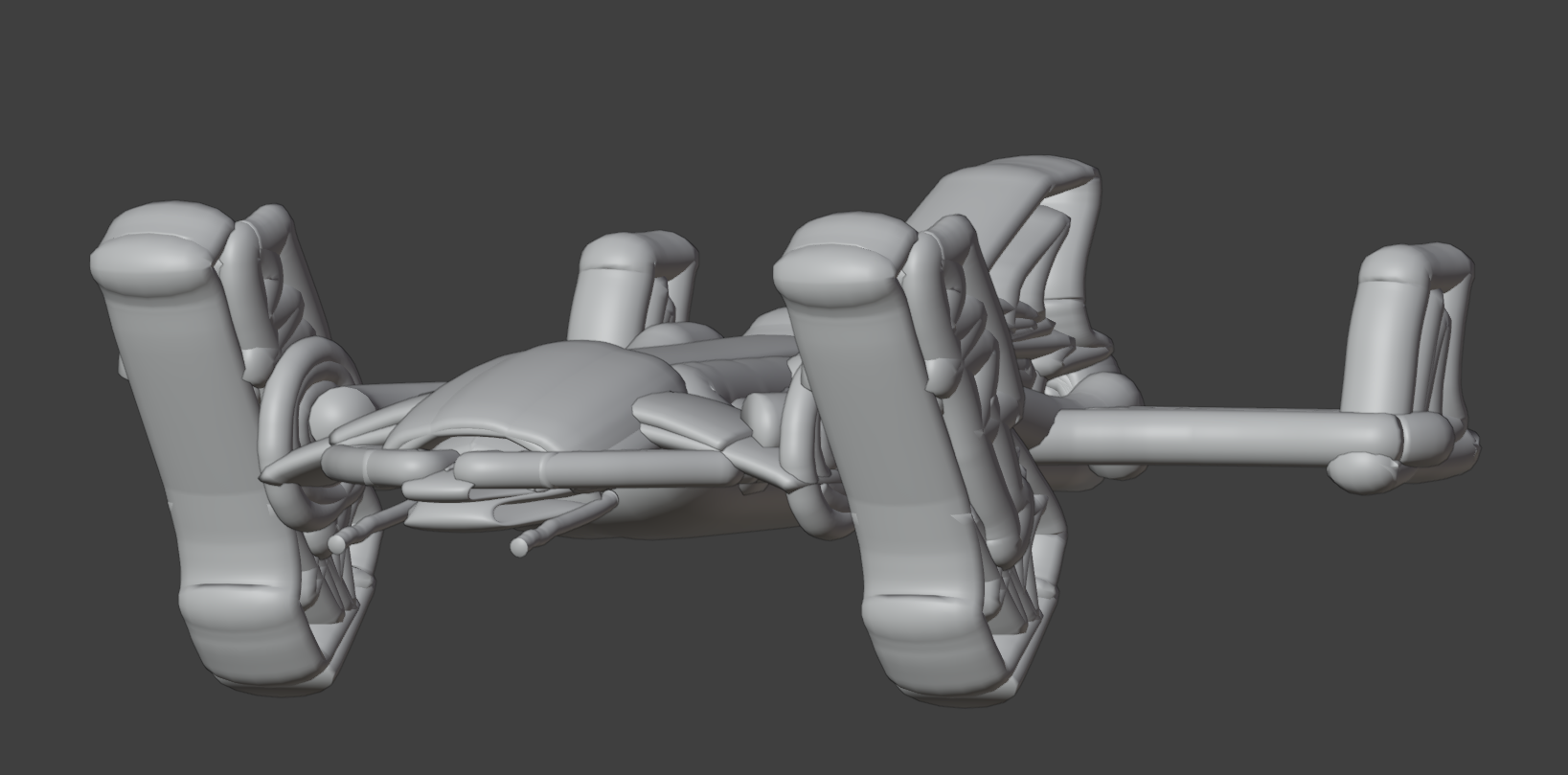
Start with a 3D blockout of your asset and bring it to a finish.
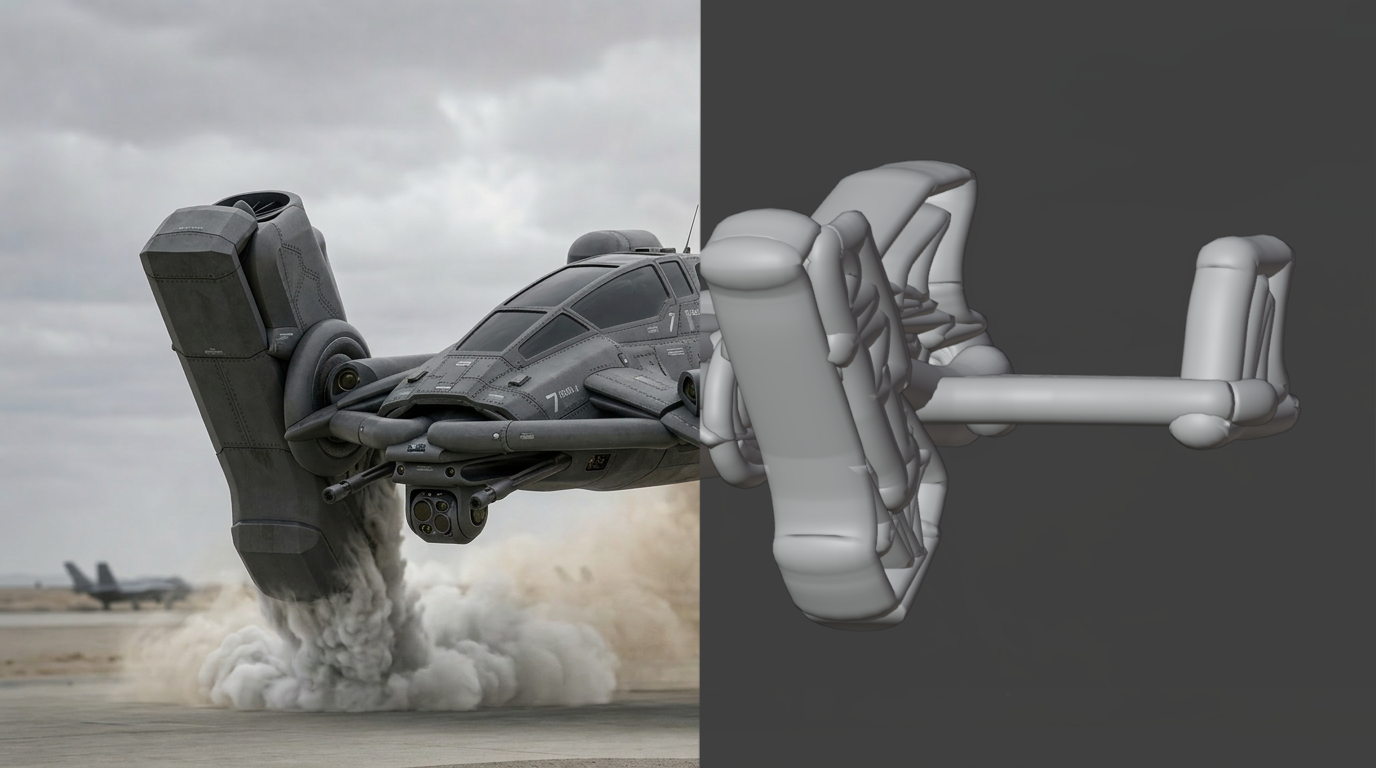
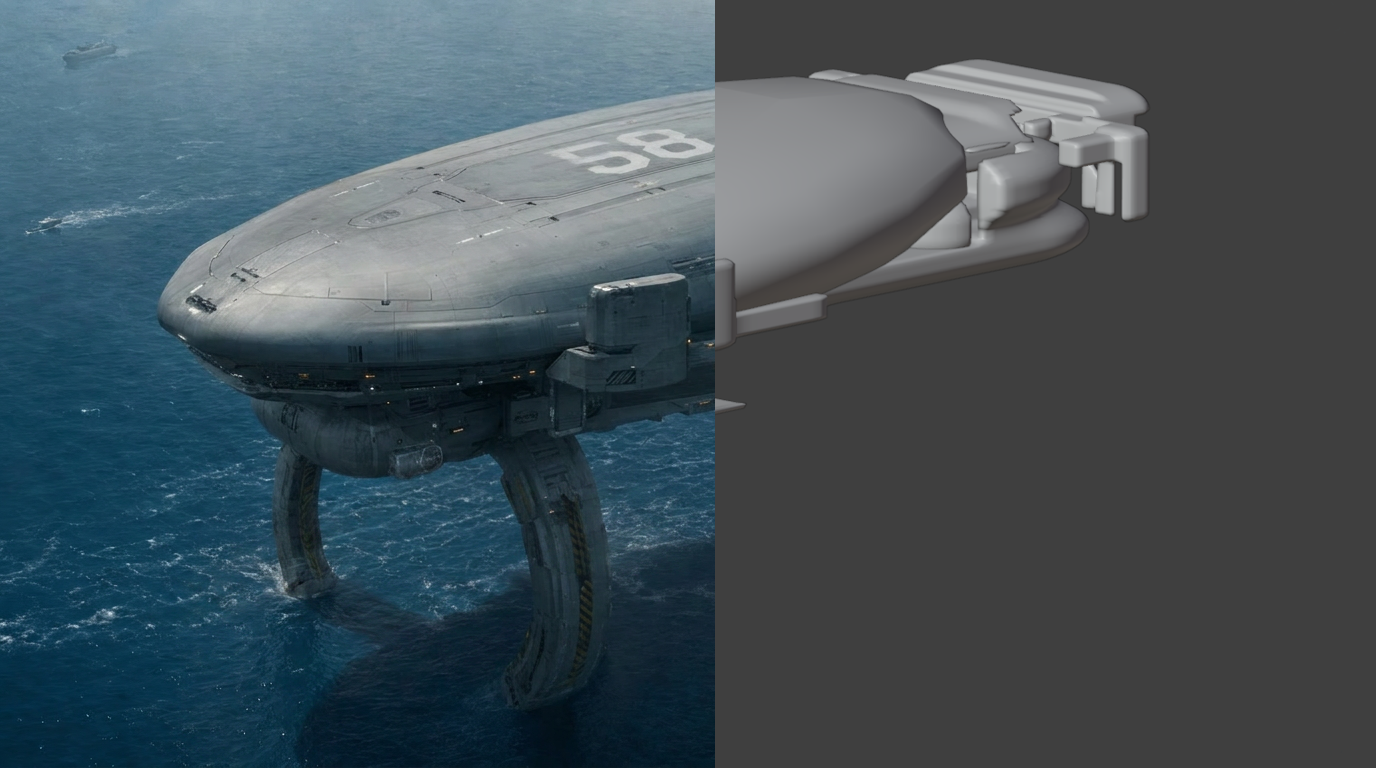
Reimagine
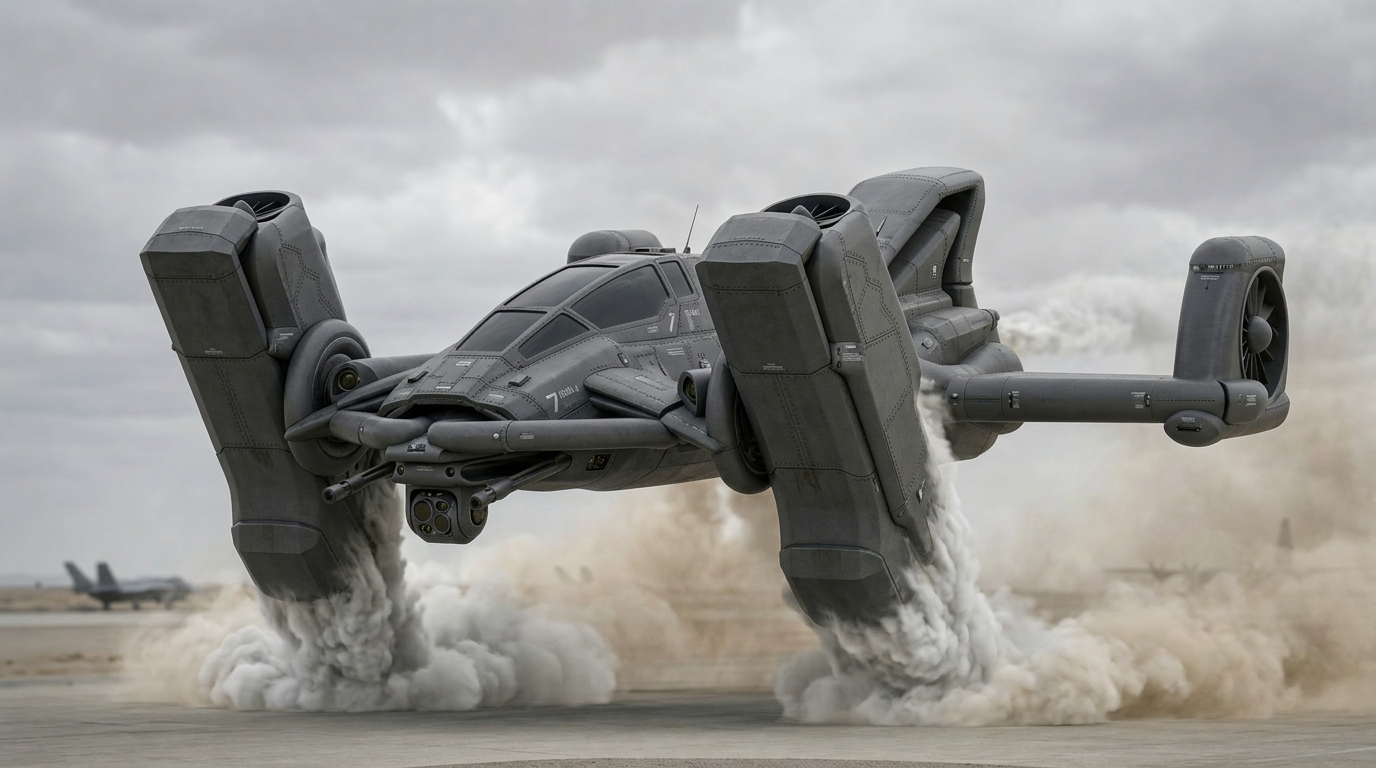
Take existing images in bold new directions. Use your active image and supporting references to reimagine artwork in a new style or direction.
Moodboards
Use references as moodboards to drive the lighting, atmosphere and mood of your generated images and assets.
Supercharge your Workflow
Start with a basic 3D scene made with a traditional modeling workflow. Generate quick renders to explore materials, lighting, and story beats without leaving Blender.
Generate Assets with a single click
Write a prompt or select from one of the templates and begin generating. All images, videos and 3D models are automatically imported into your scene and you can keep working while they download in the background.
Character Generation
Use front side and back views to generate your 3D models.
Start from sketches
Start with 2D or 3D sketches as a base so you can easily control camera angles, composition, and major design elements. Use Grease Pencil to adjust your designs and continue generating.
Keyframes
Generate multiple keyframes or storyboards from a single image. Explore different compositions or lighting setups. With QuickMaker this process takes a few minutes instead of a few hours, so you can focus on getting to the best possible design faster.
LLM Suggestions
Let AI analyze your prompt and suggest improvements. QuickMaker can recommend prompt refinements, style adjustments, and creative directions you might not have considered. All prompt suggestions are completely free of charge.
Prompt Templates
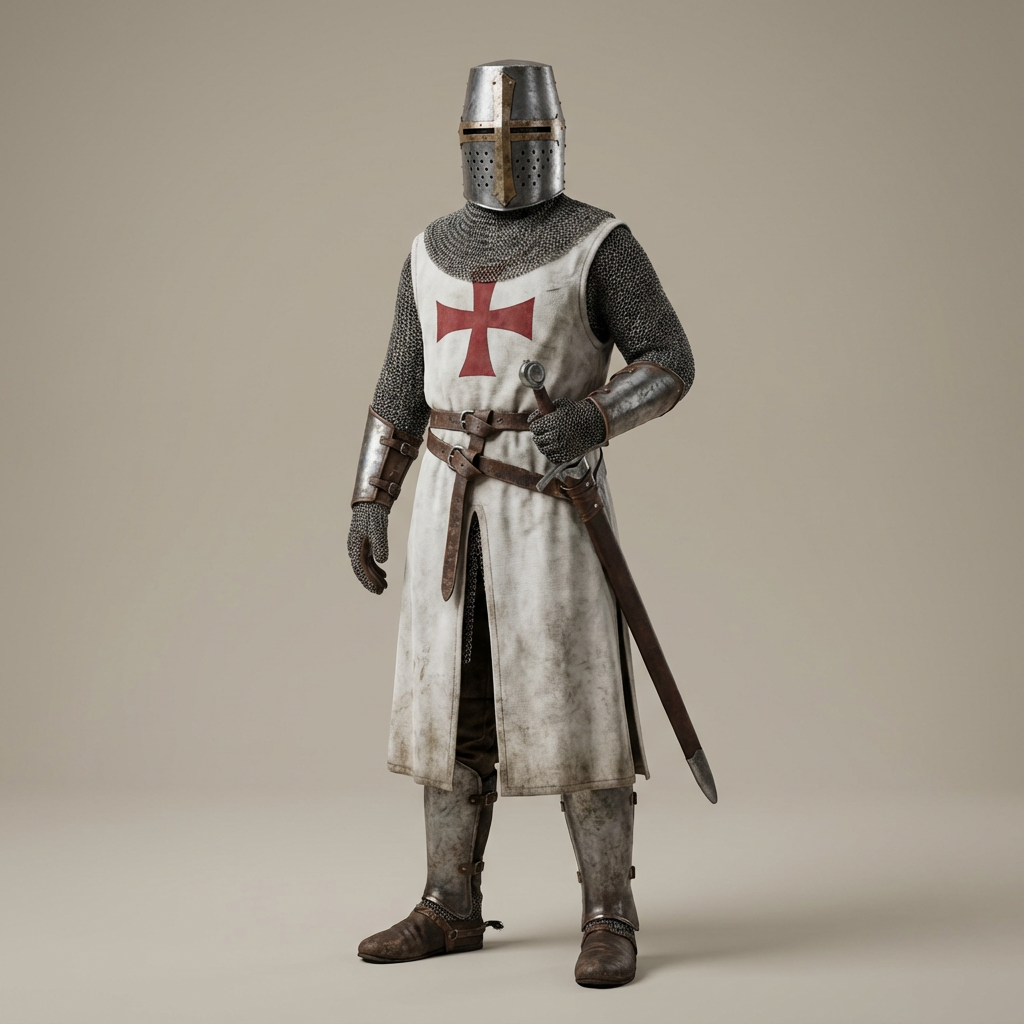
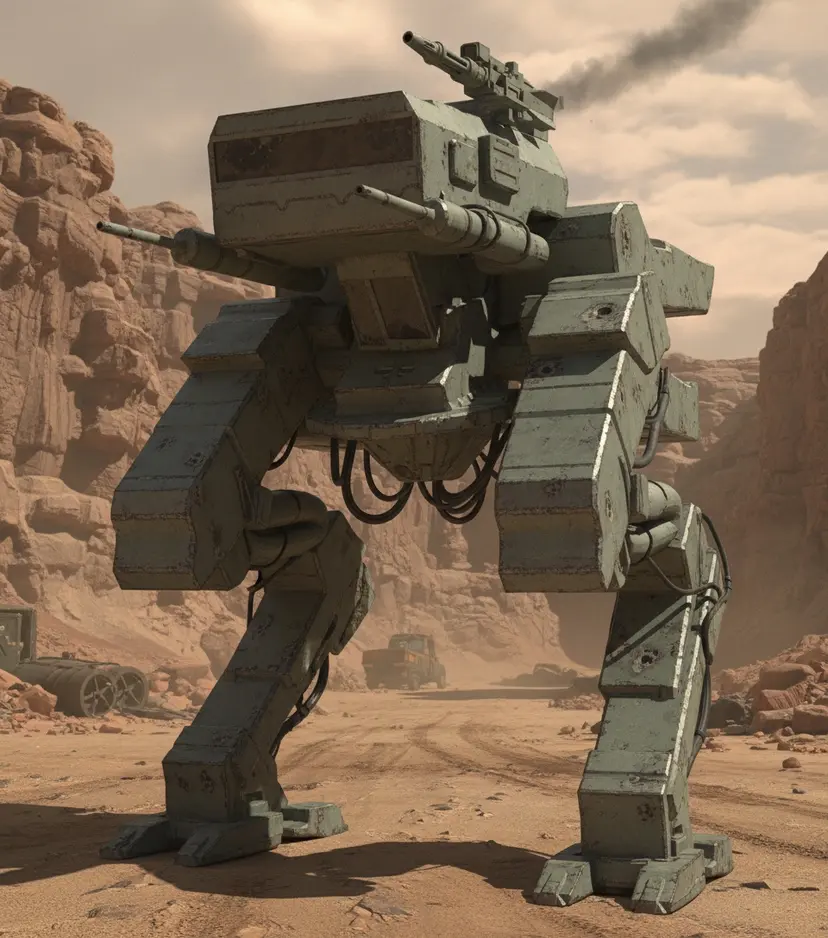
Choose from curated prompt templates designed by professional artists. Templates give you a proven foundation for characters, environments, props, vehicles, variations, storyboards, keyframes, turntables, and camera flythroughs.
Generate Videos
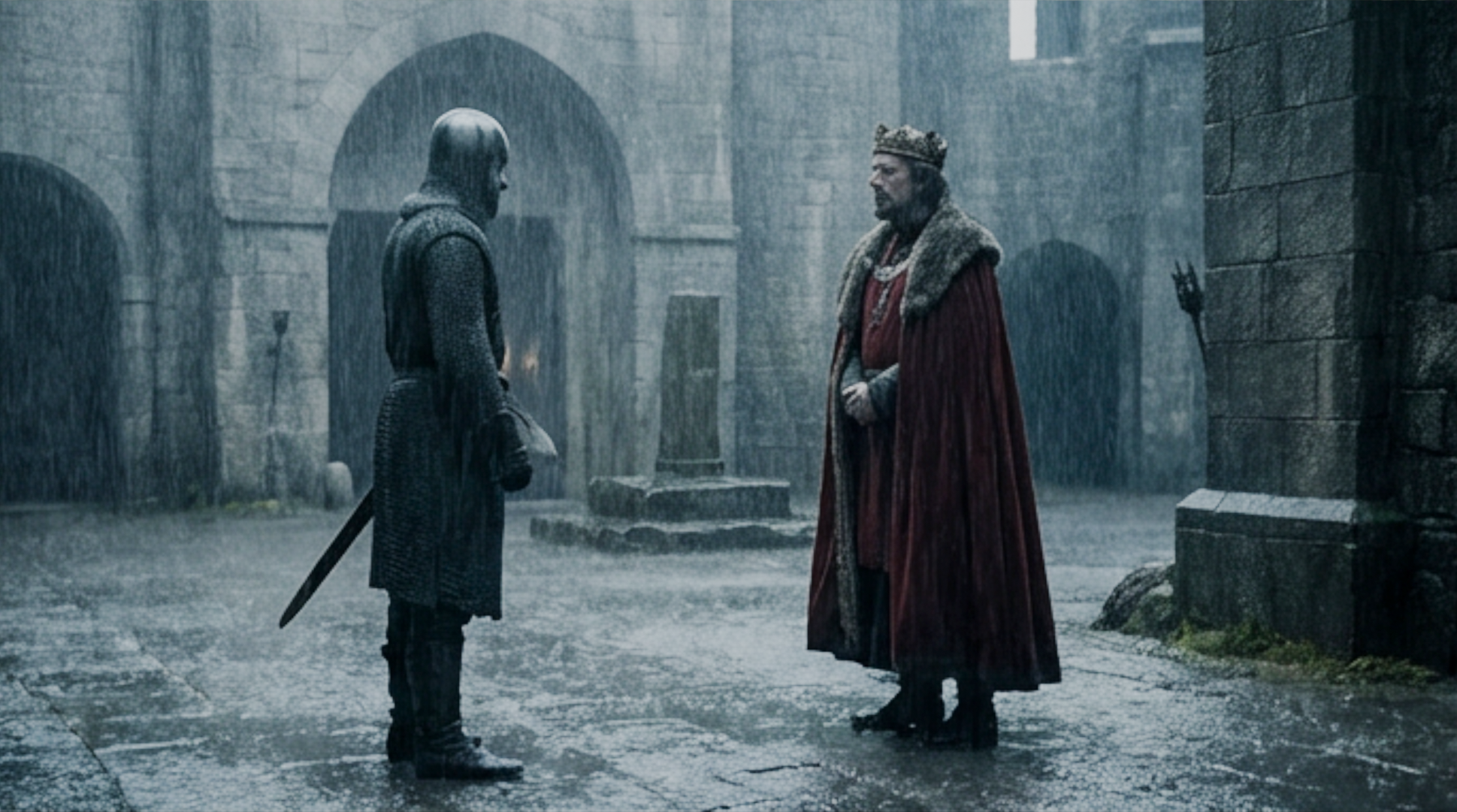
See your designs in a new way by generating quick camera flythrough animations, motion tests, and turntables directly from your scene. Use first and last frames to generate videos that blend seamlessly between first and last frames.
Art Direct your Designs
Transform rough sketches into finalized artwork. Start with a Grease Pencil sketch, screenshot your viewport, type your prompt, and generate images.
Alpha Masked Assets
Convert generated images into alpha materials so they can be layered back into your scene as usable assets.
Generate Projections
Generate high resolution images and project them onto your 3D meshes from any angle to refine textures, details, and design direction.
Design Variations
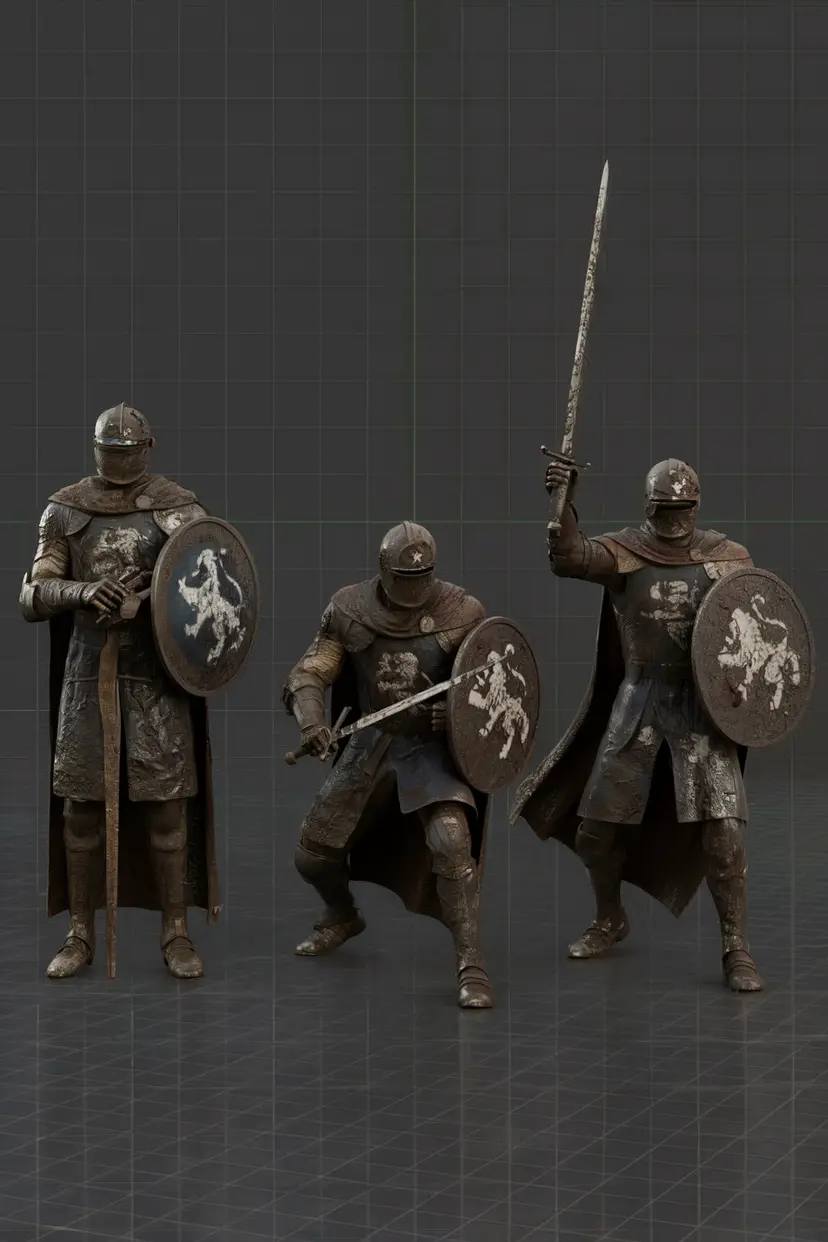
Turn sketches into rendered characters, reference sheets, action poses, expressions, color variations, and material options.
Draw over. Regenerate. Keep going.
Finalize designs with precision and control. Add details, adjust textures, fix specific areas, and keep improving the asset until it matches your intent.
Stay in the Flow
Generated assets download and load into Blender while you keep working. Build kitbash sets, explore variations, and keep the creative process moving.
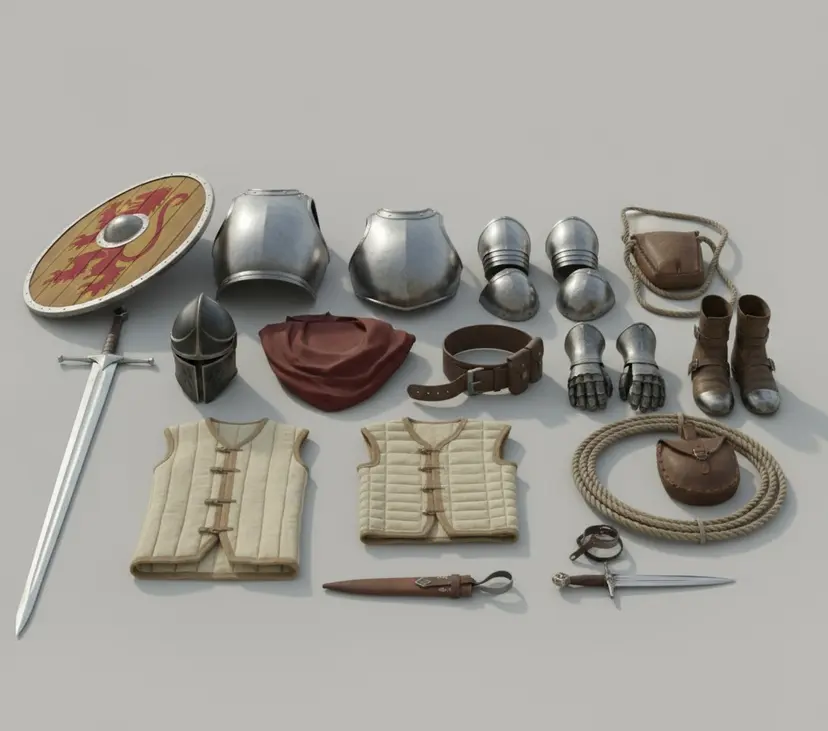
QuickMaker Gallery
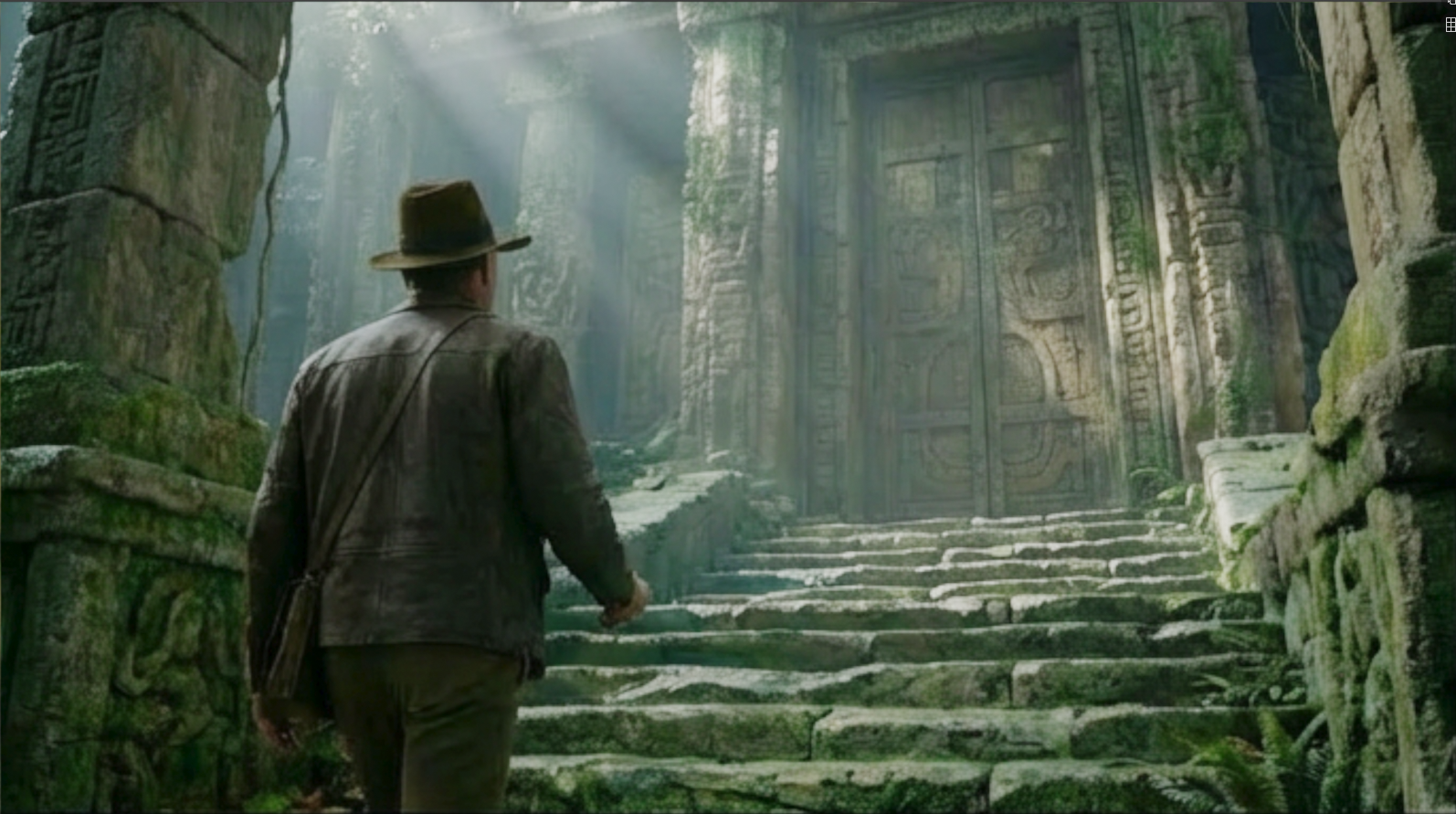
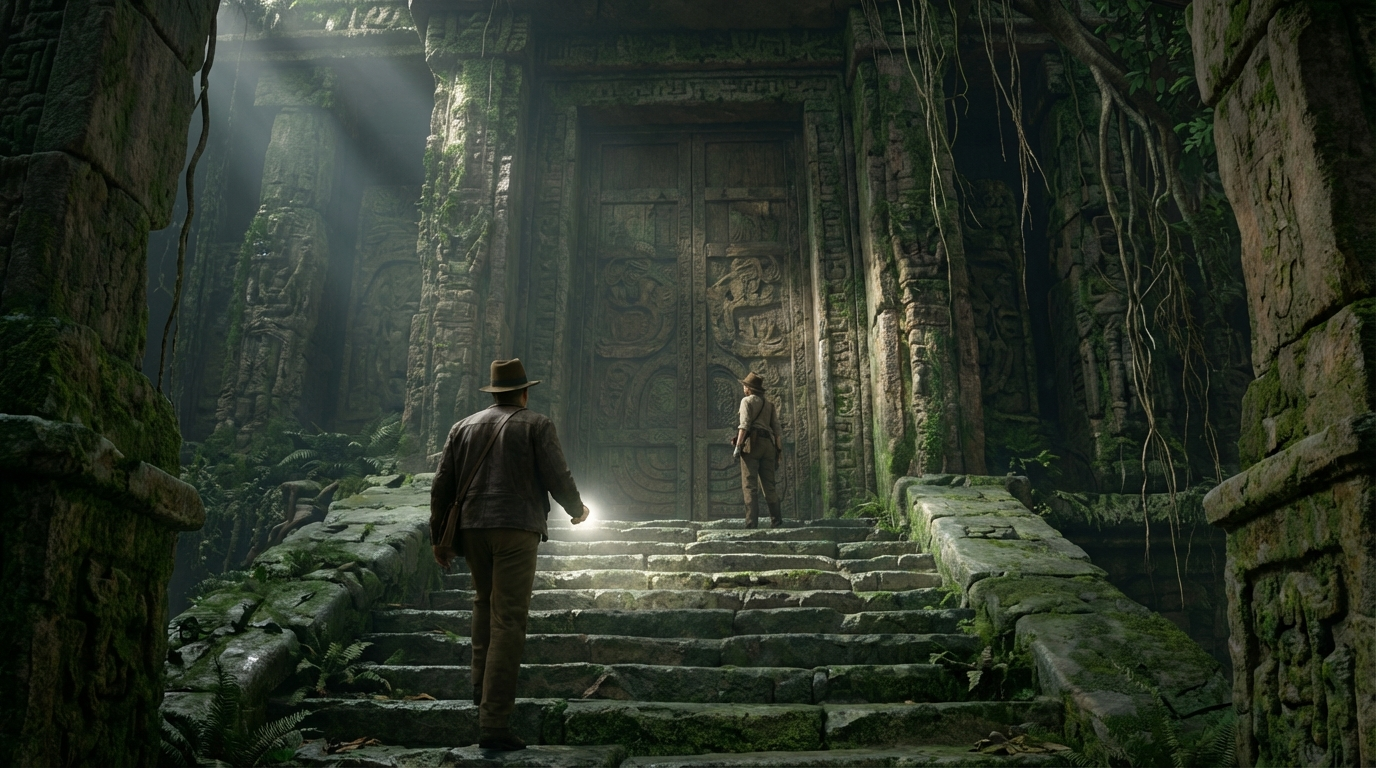
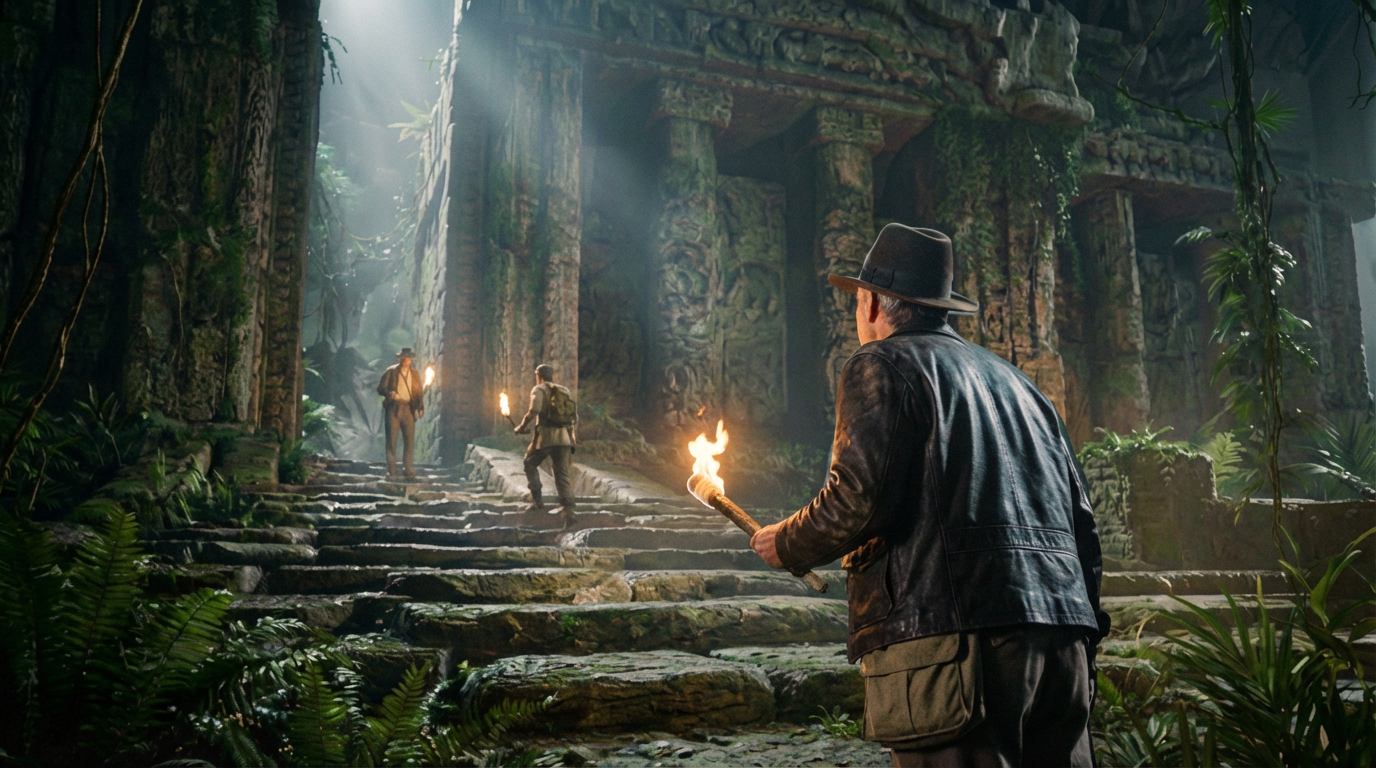
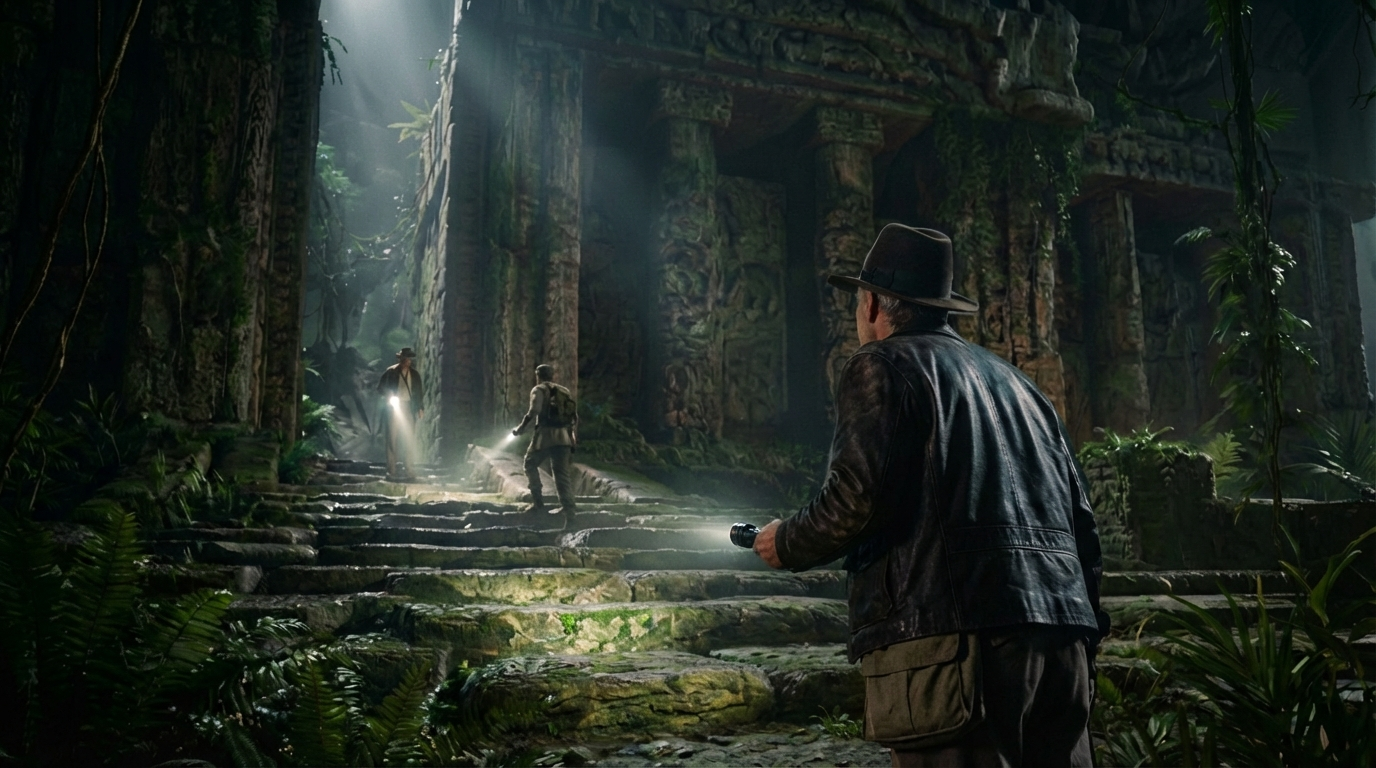
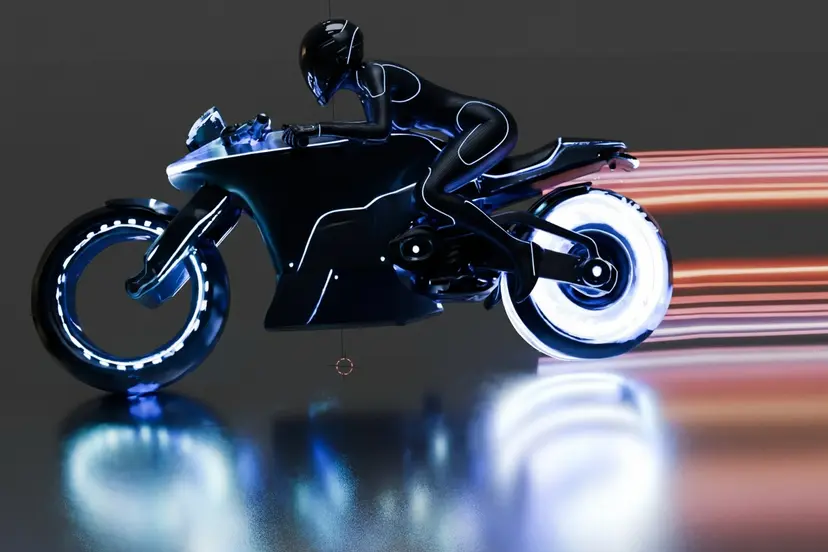
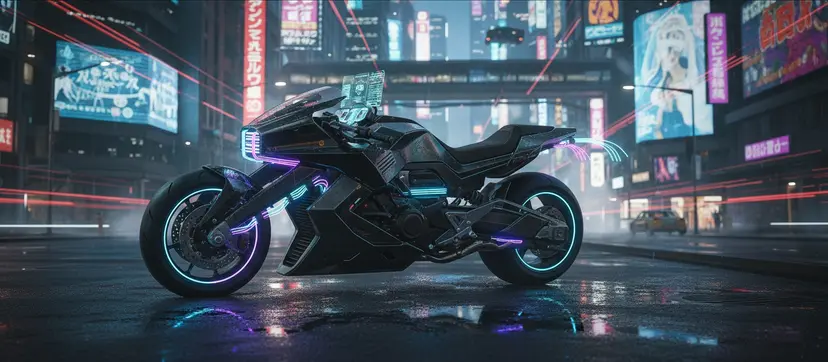
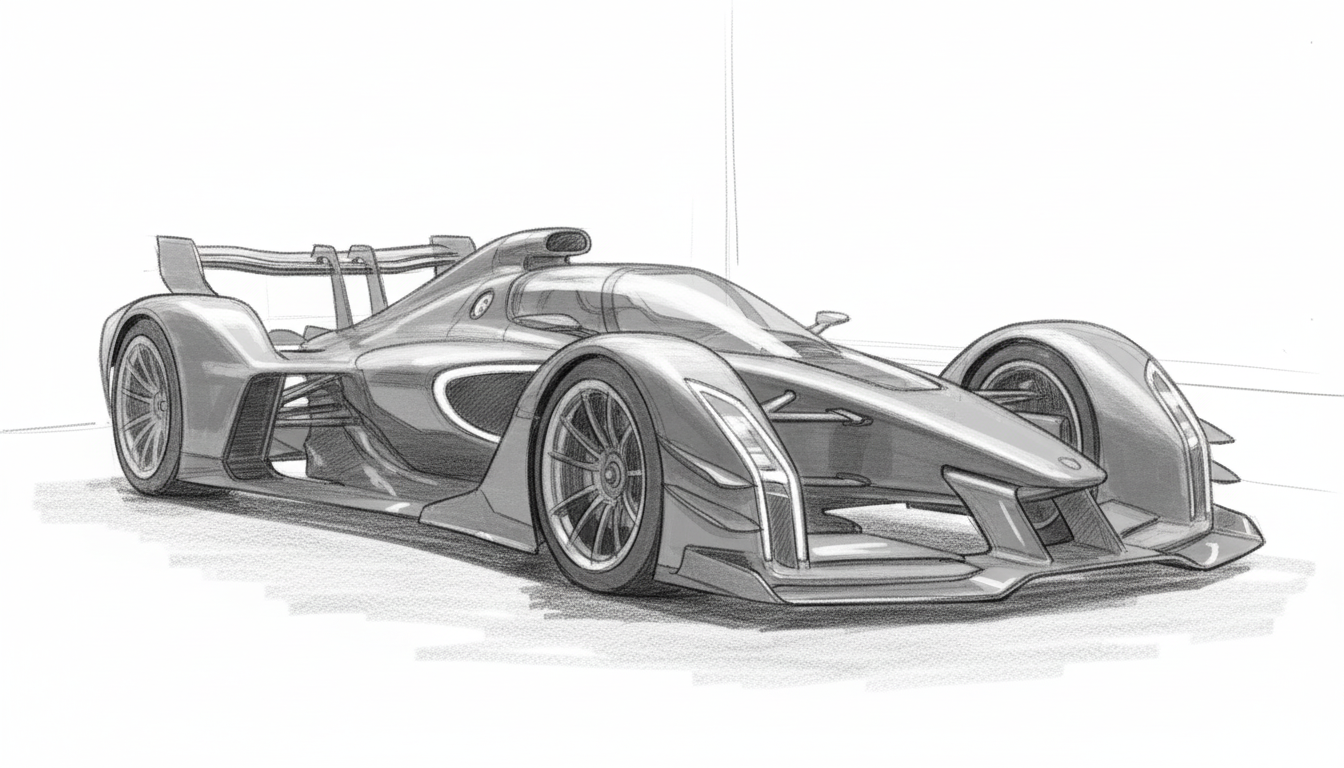
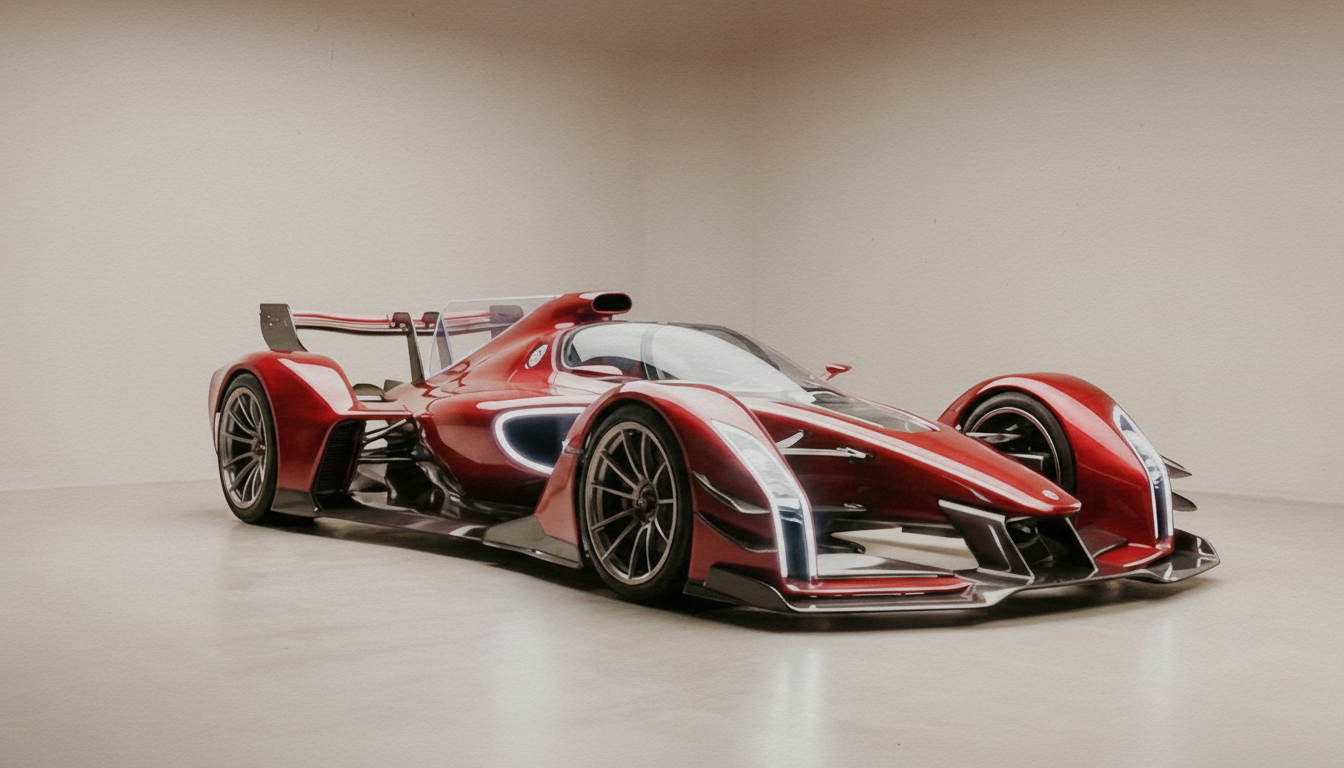
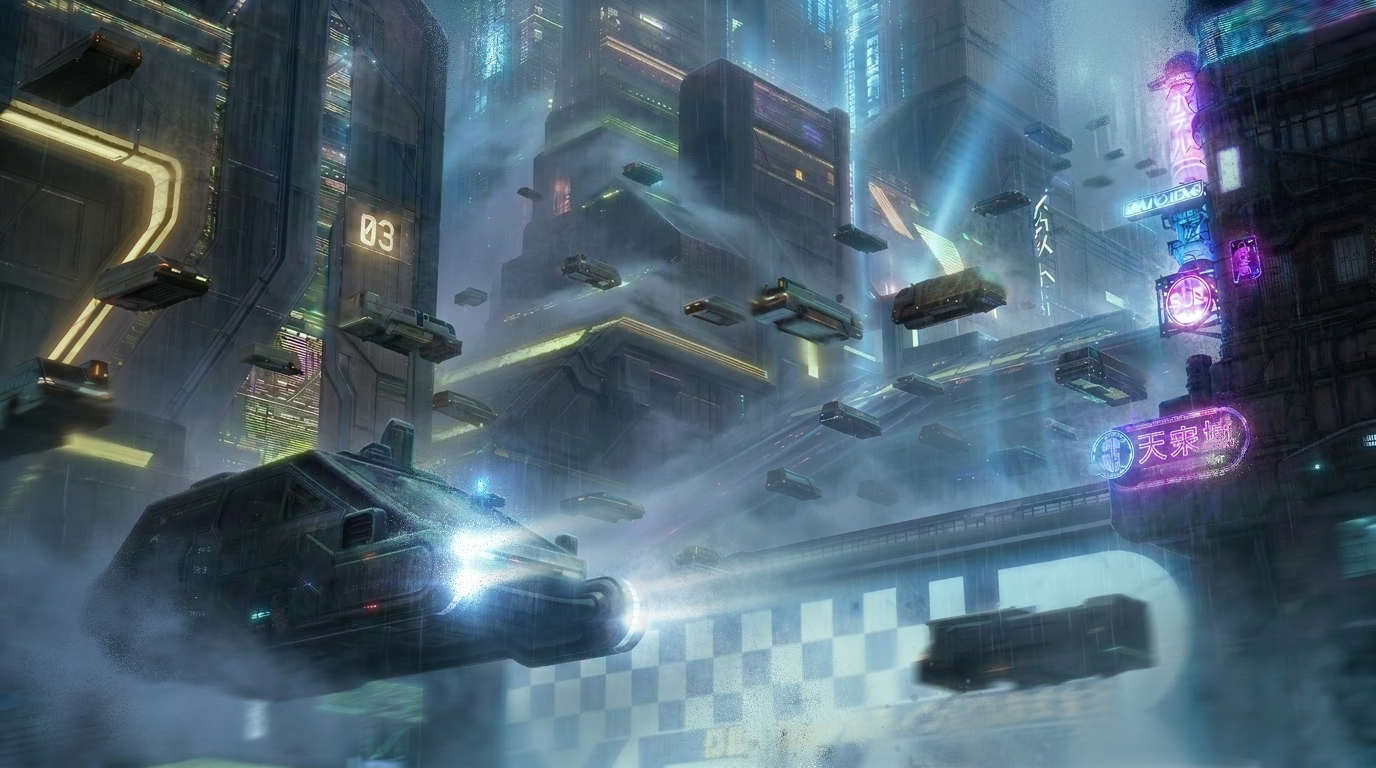
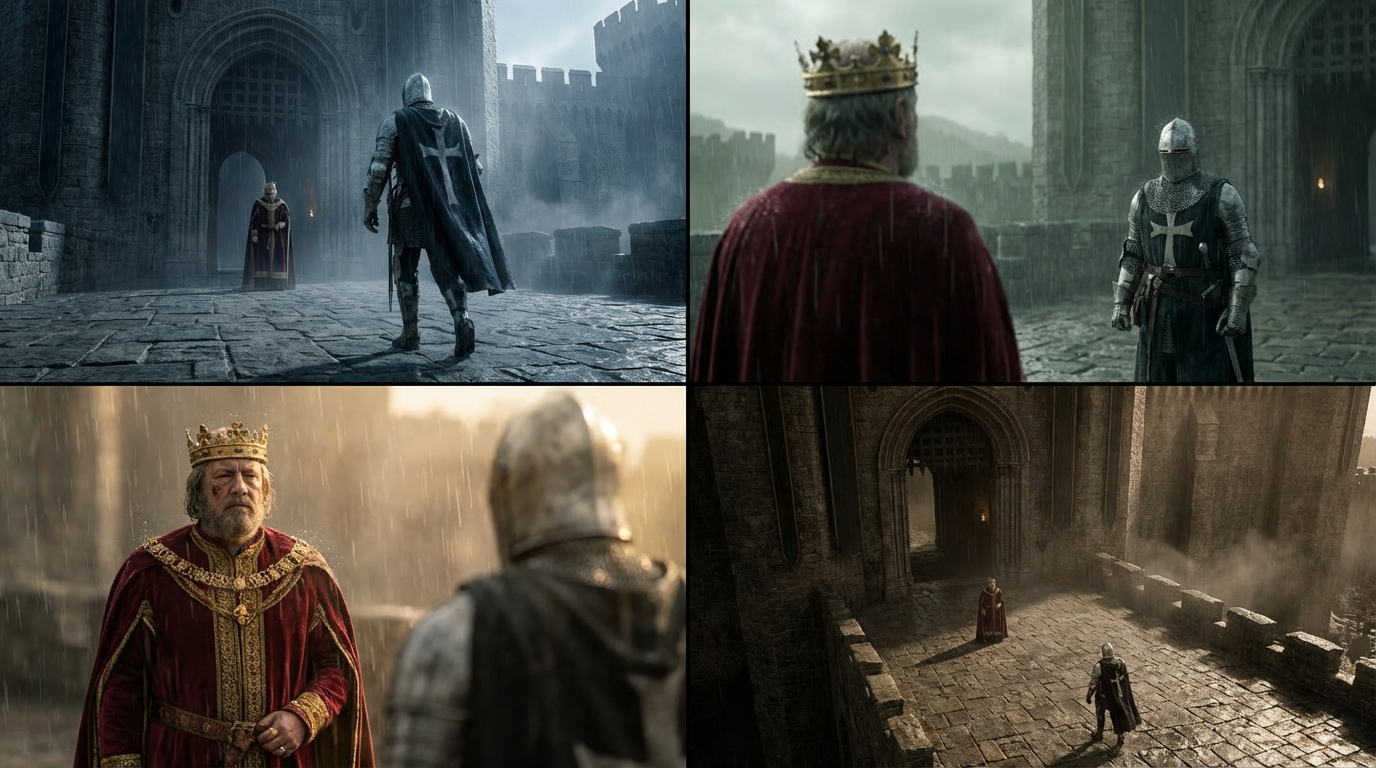
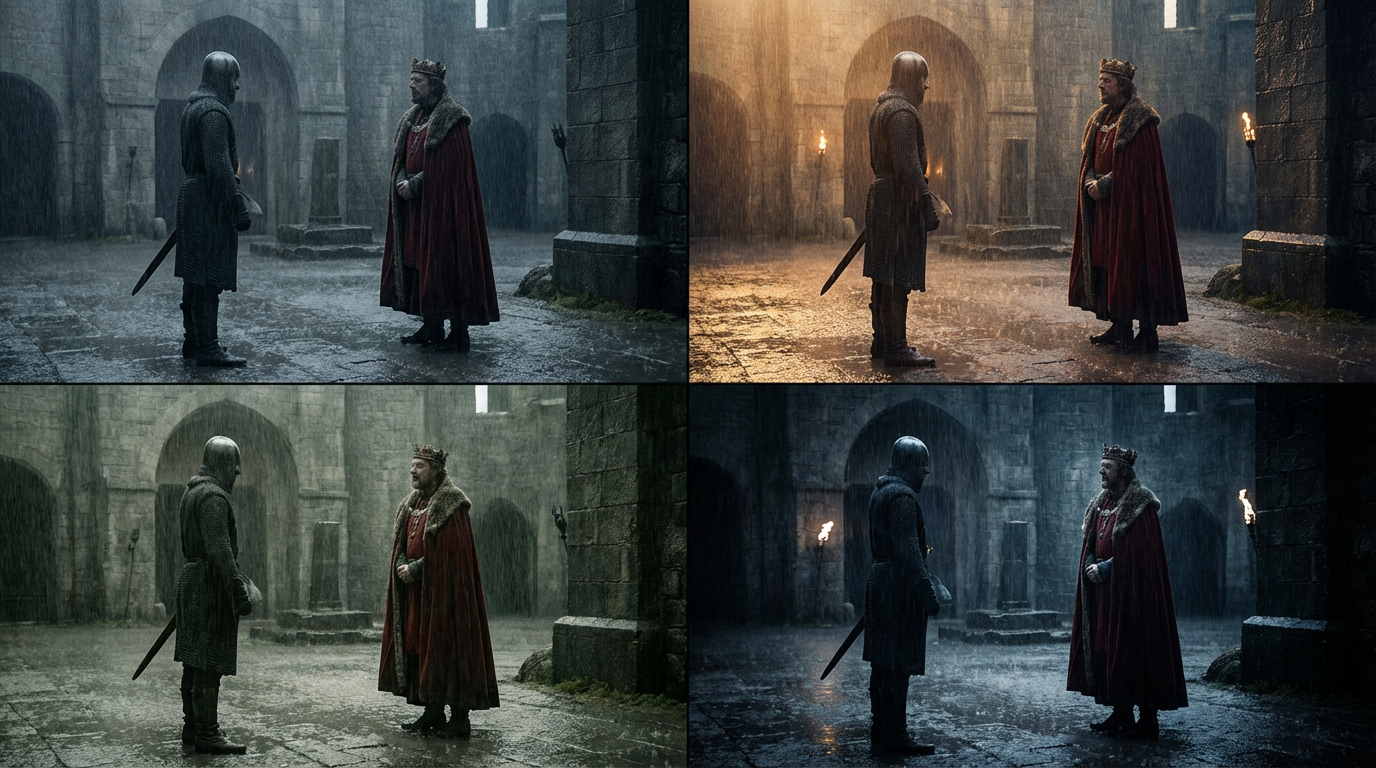
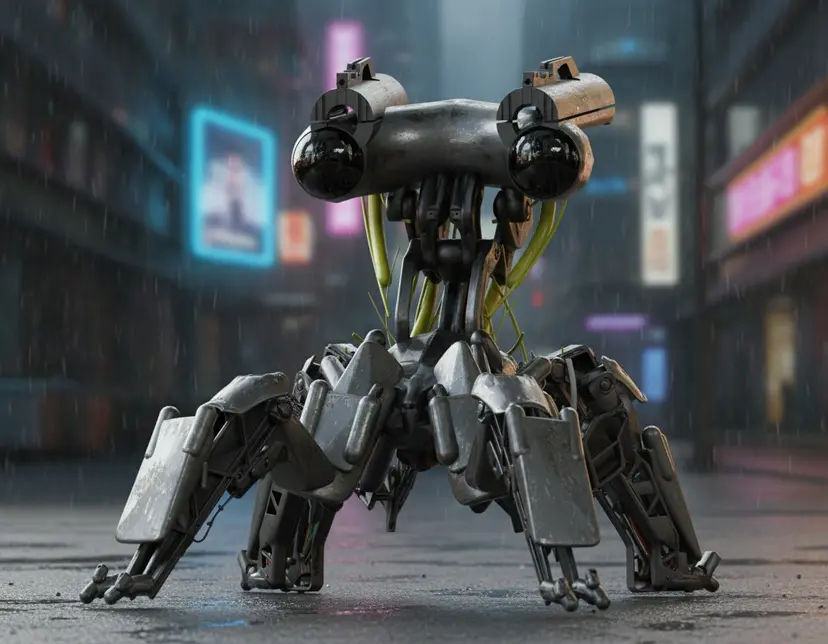
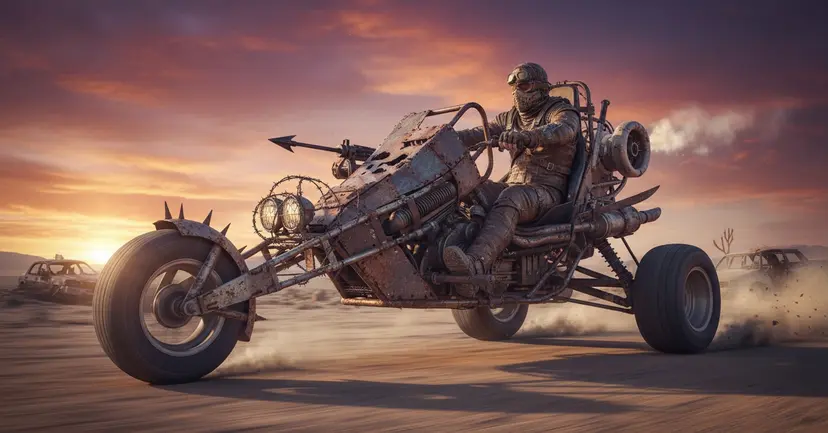
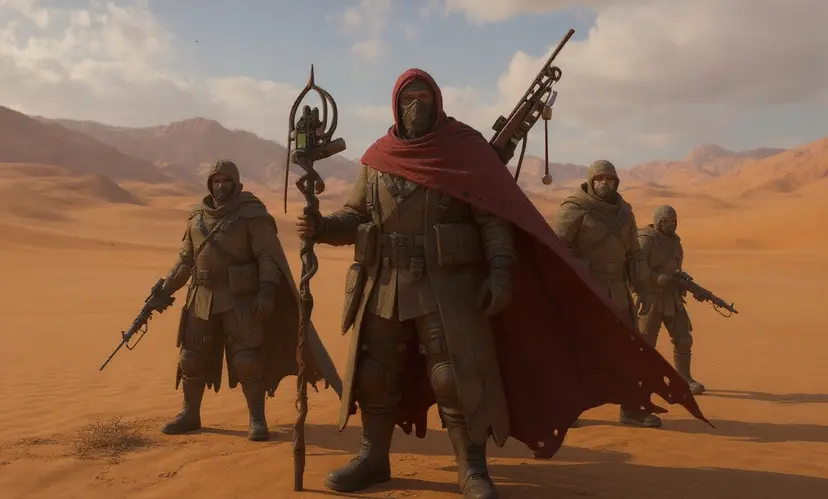
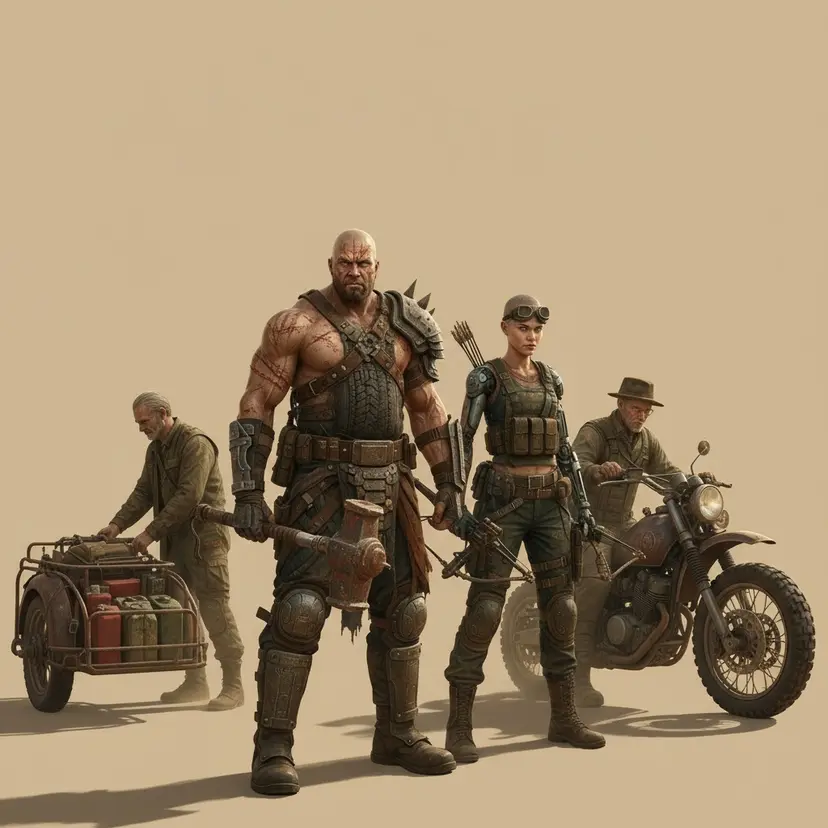
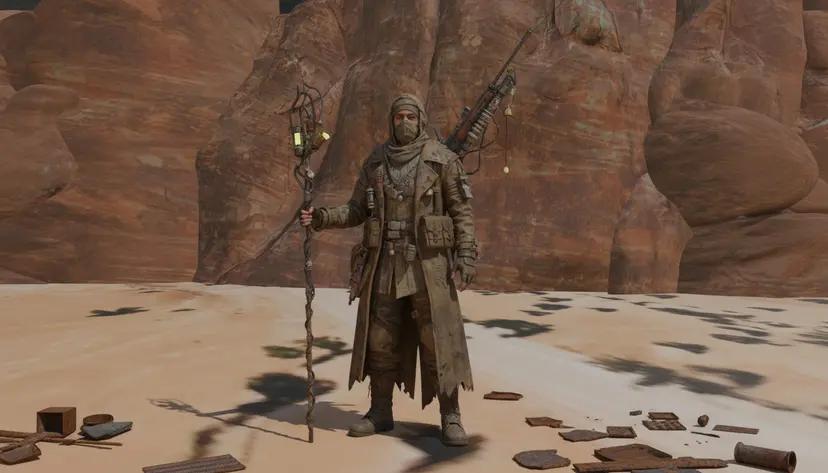
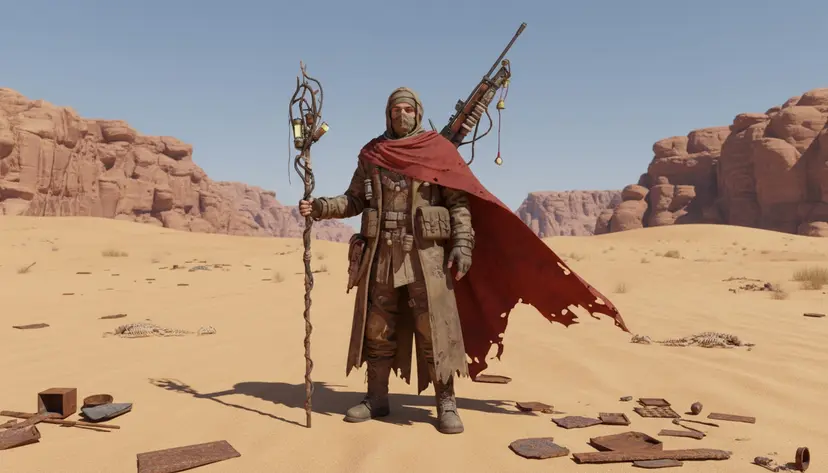
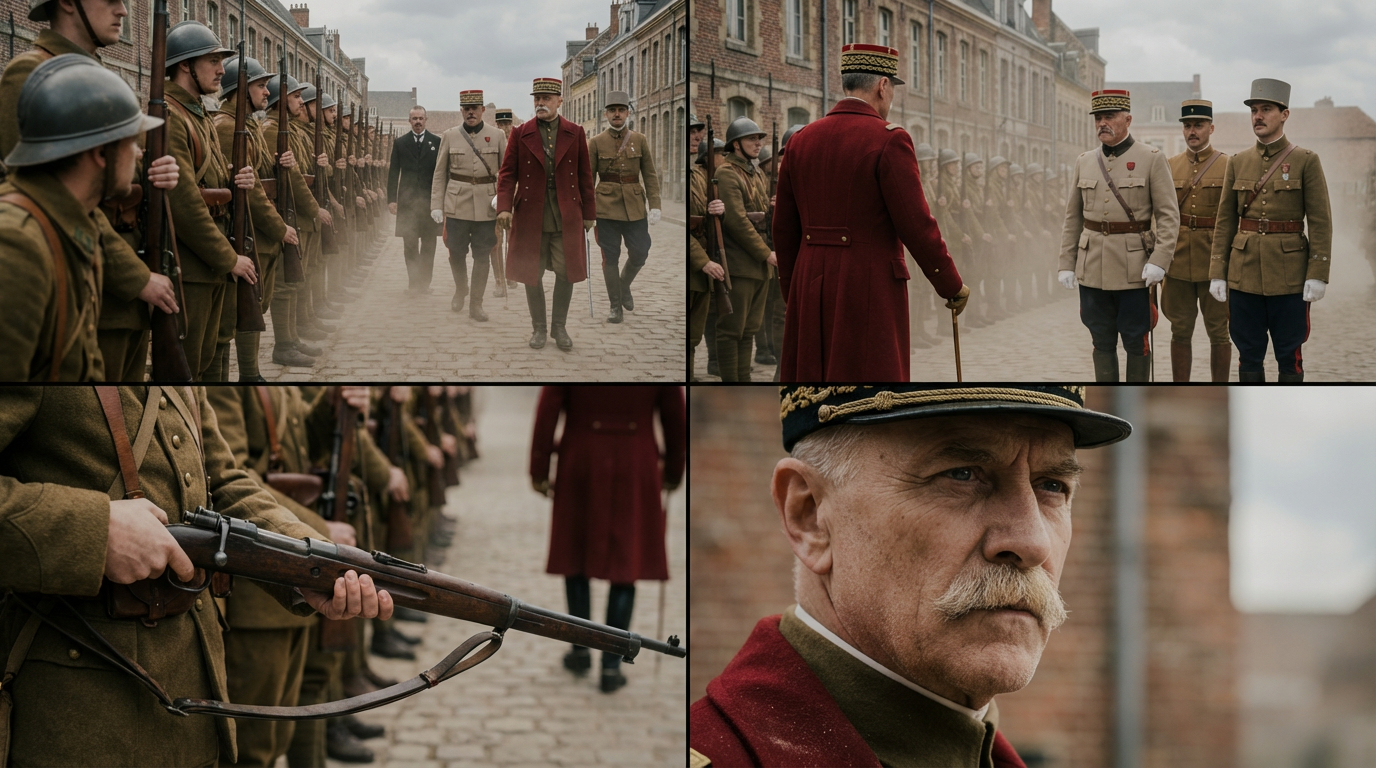
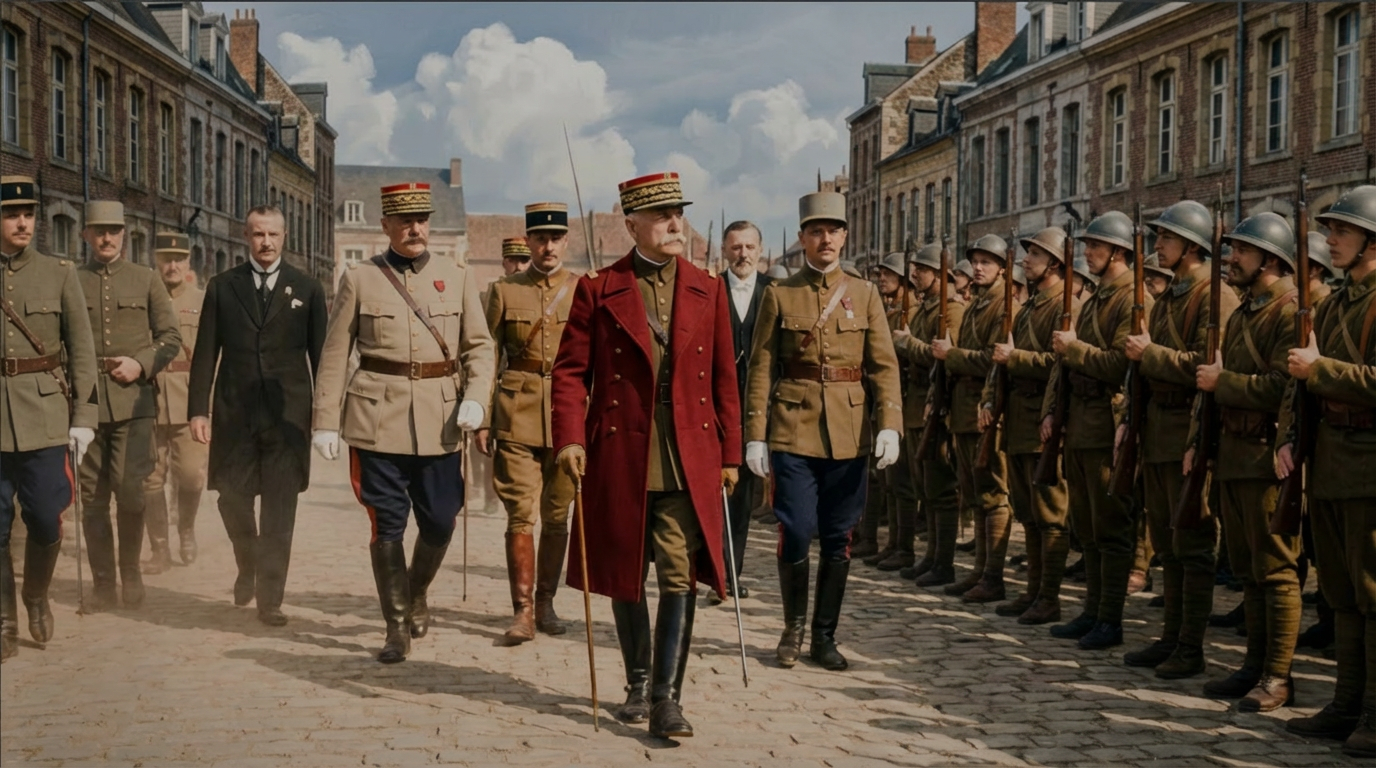
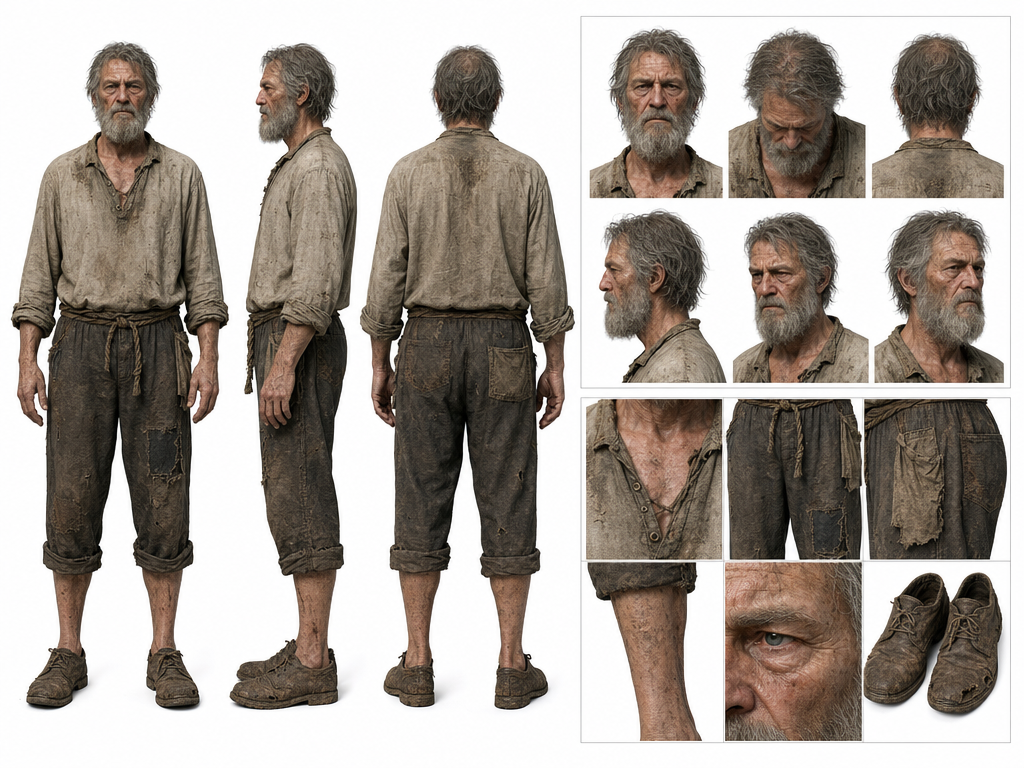
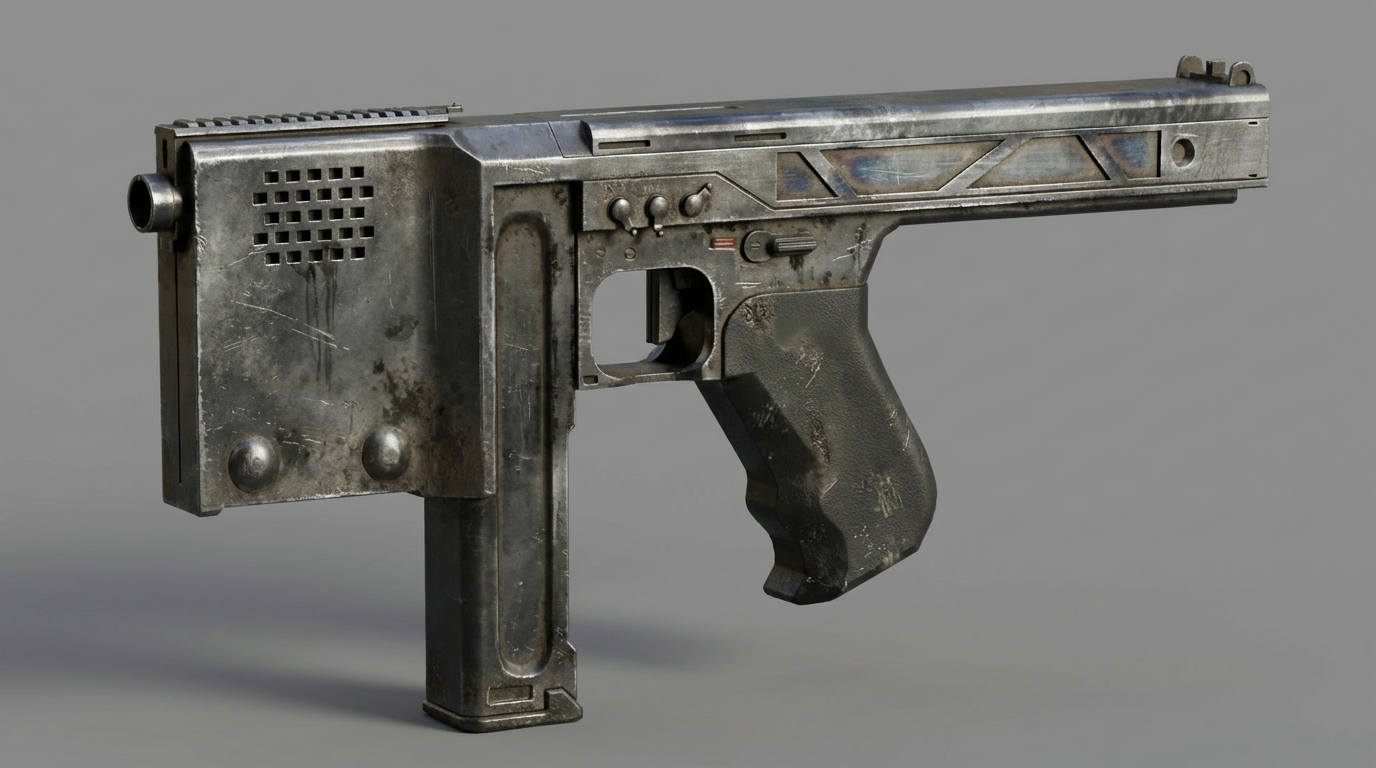
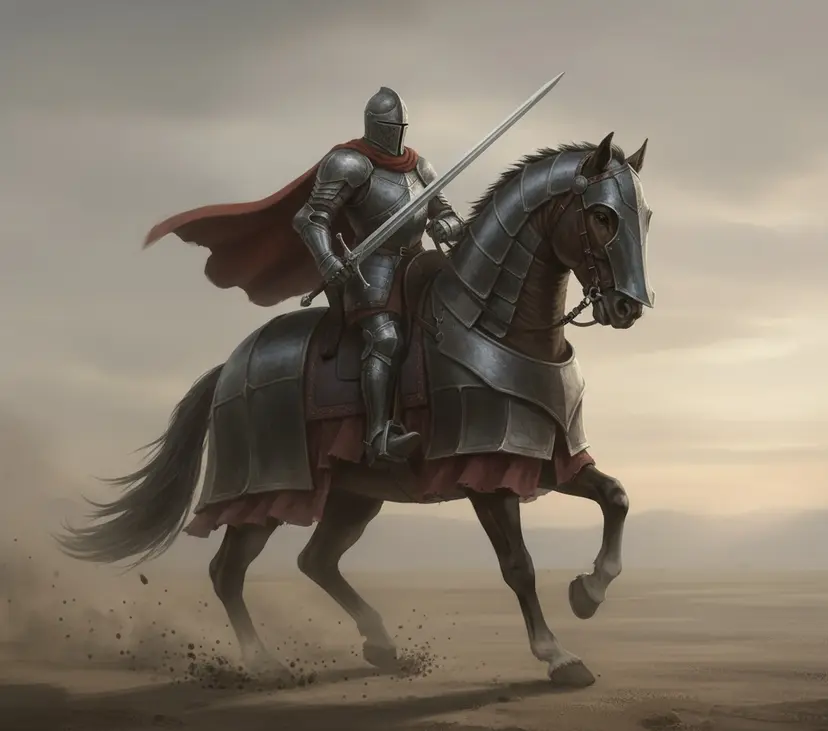
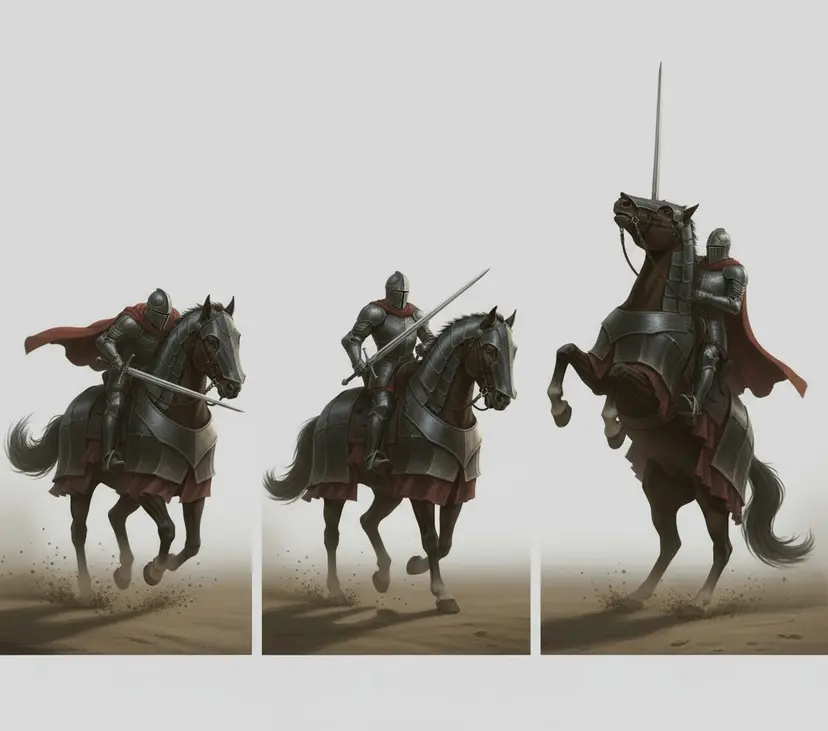
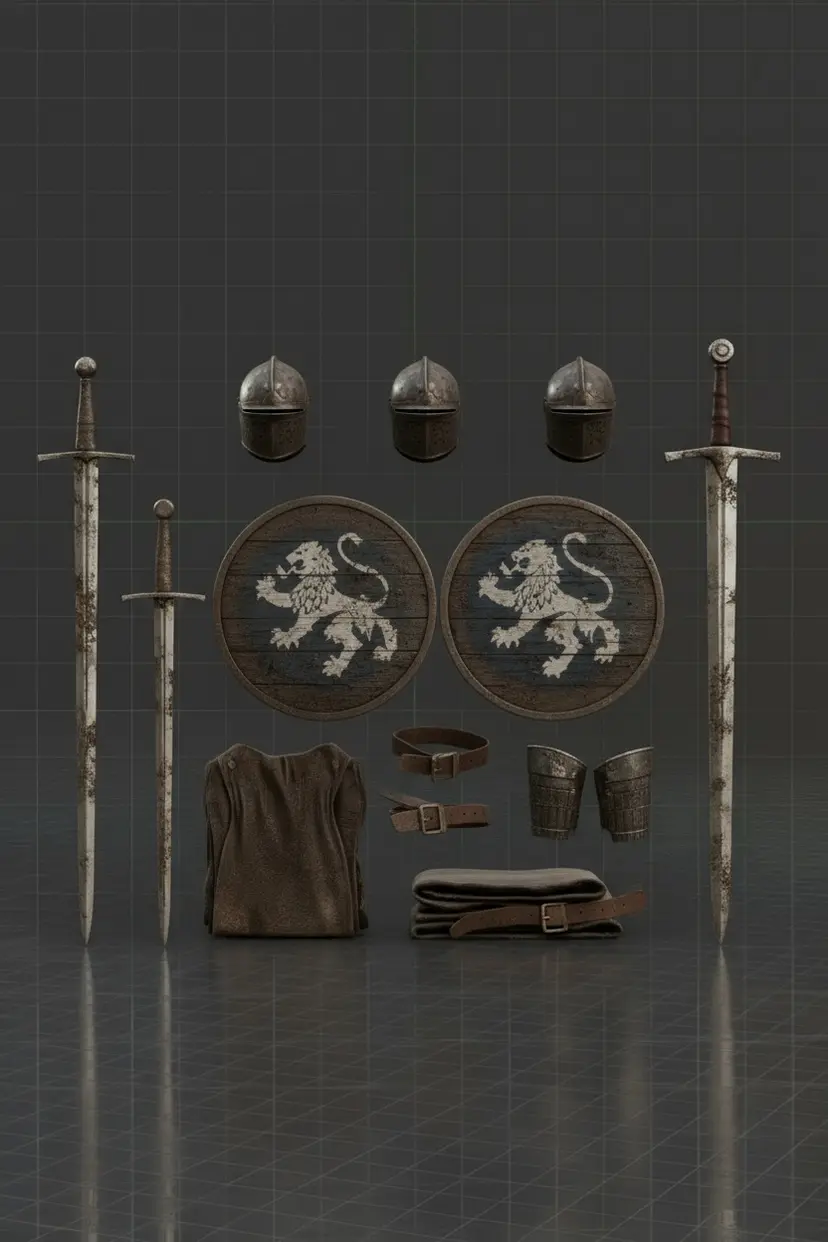

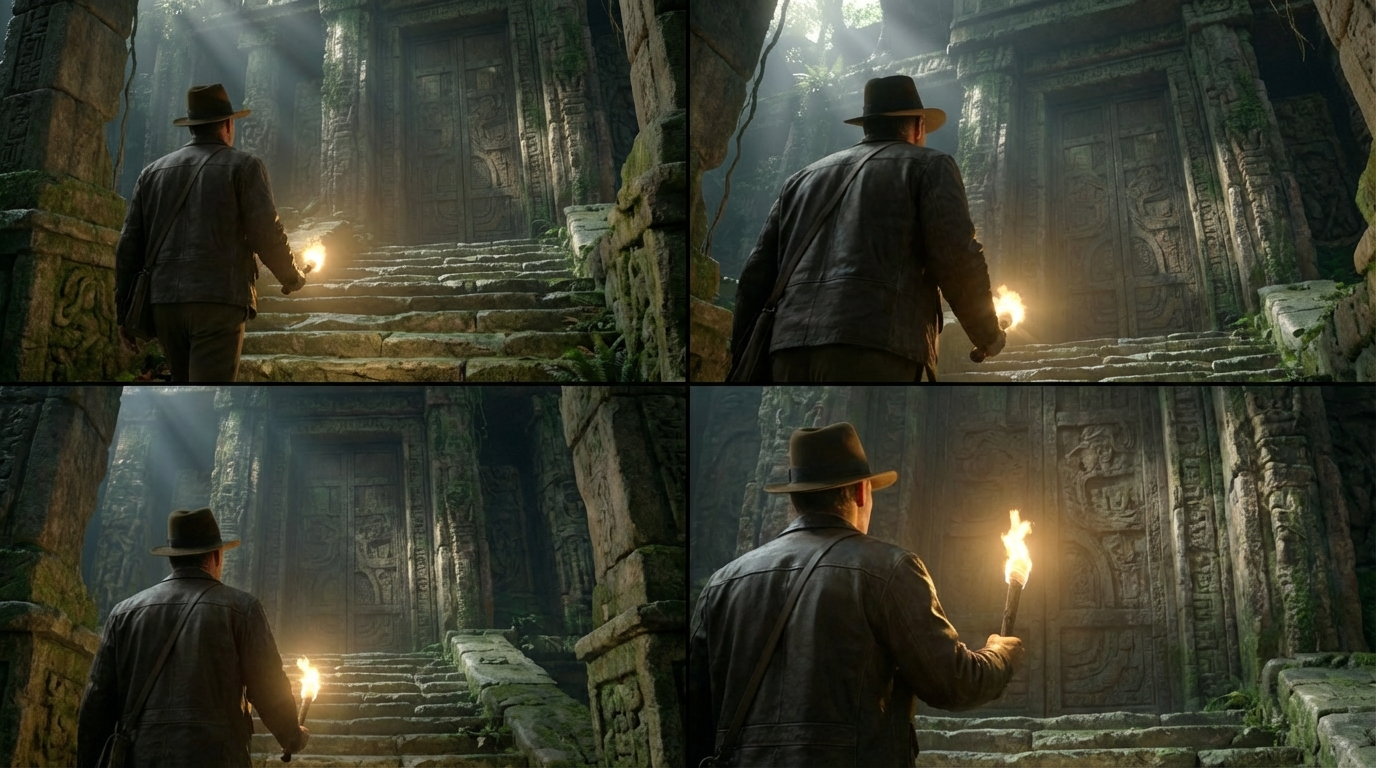
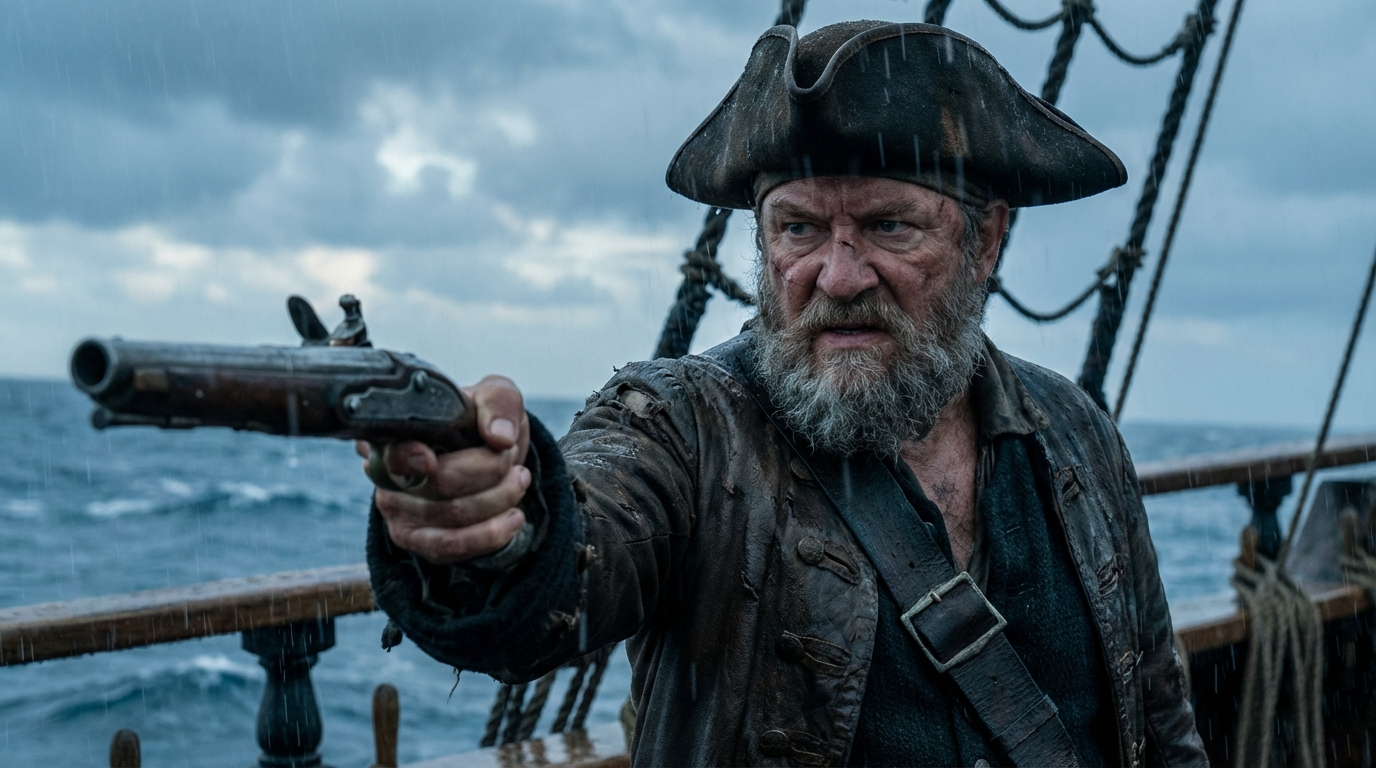
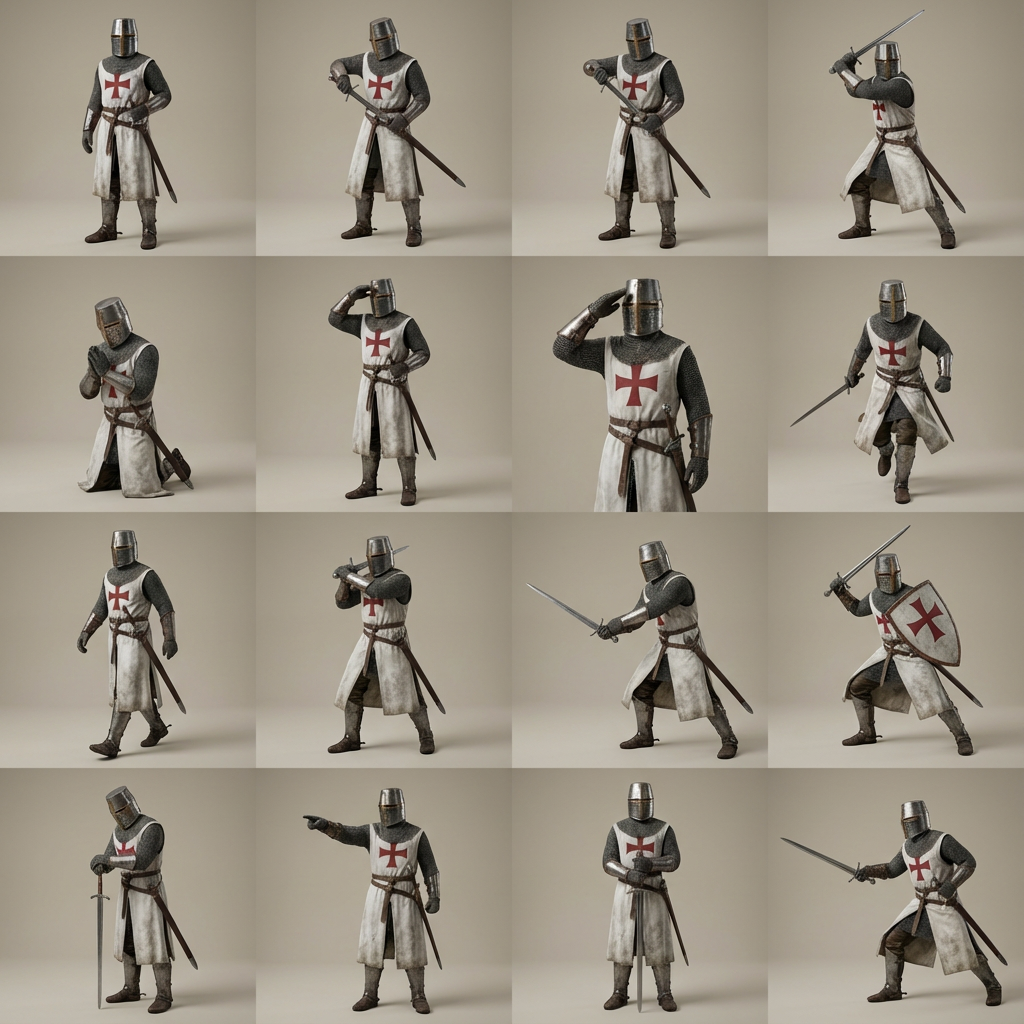
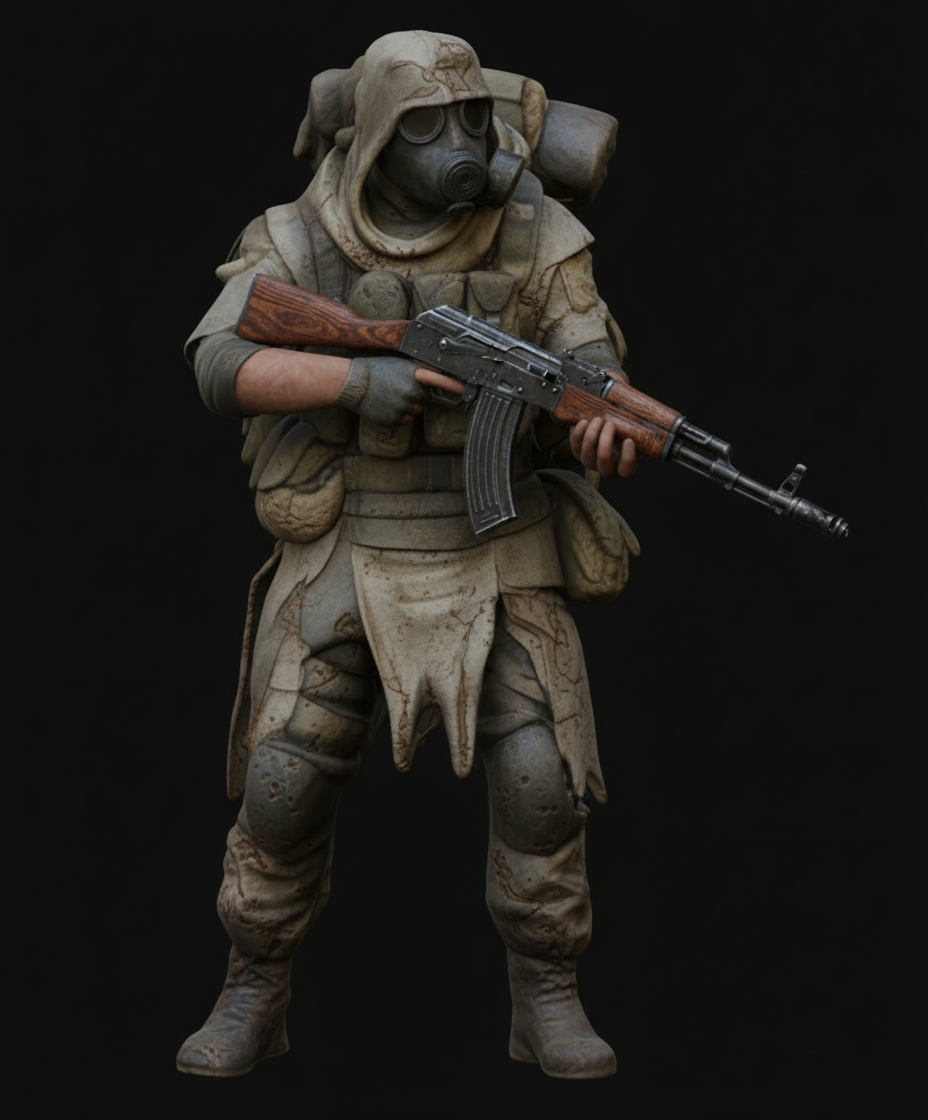
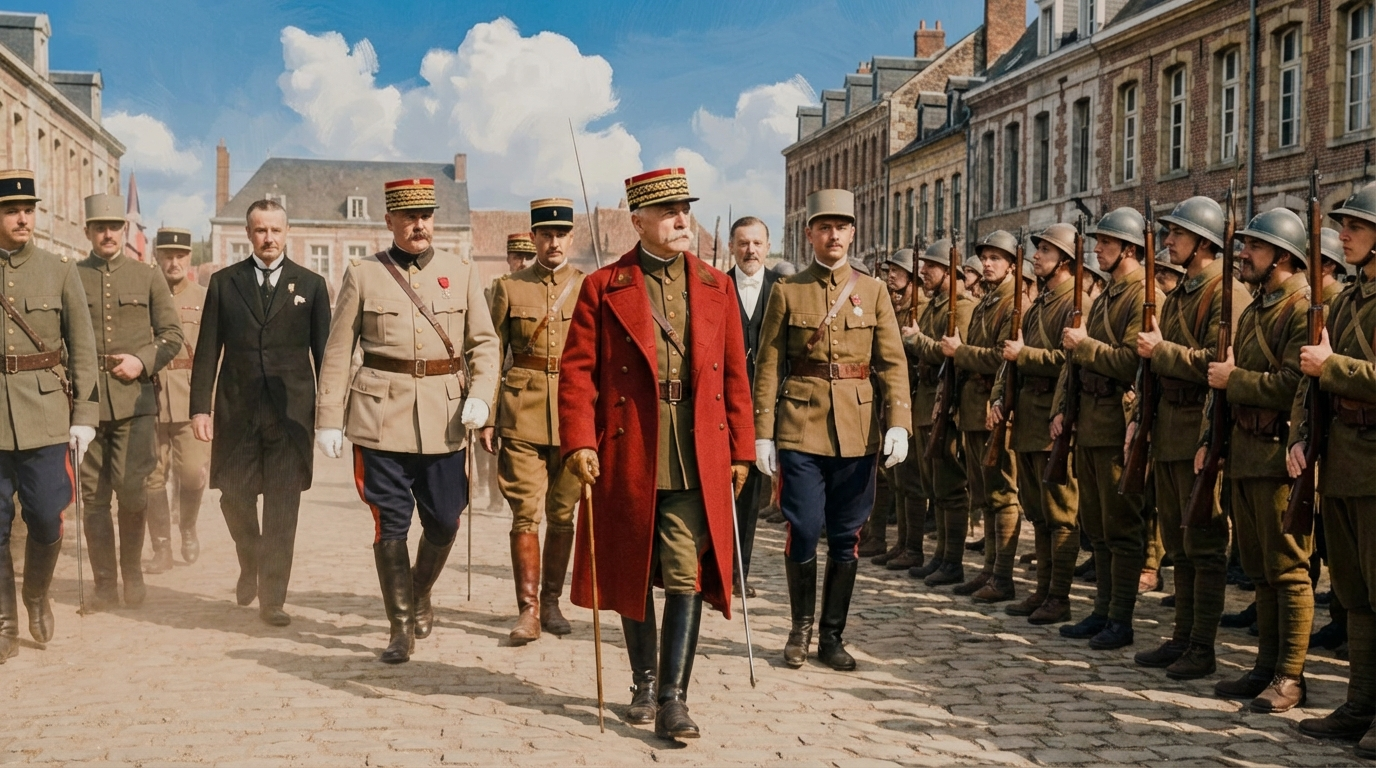
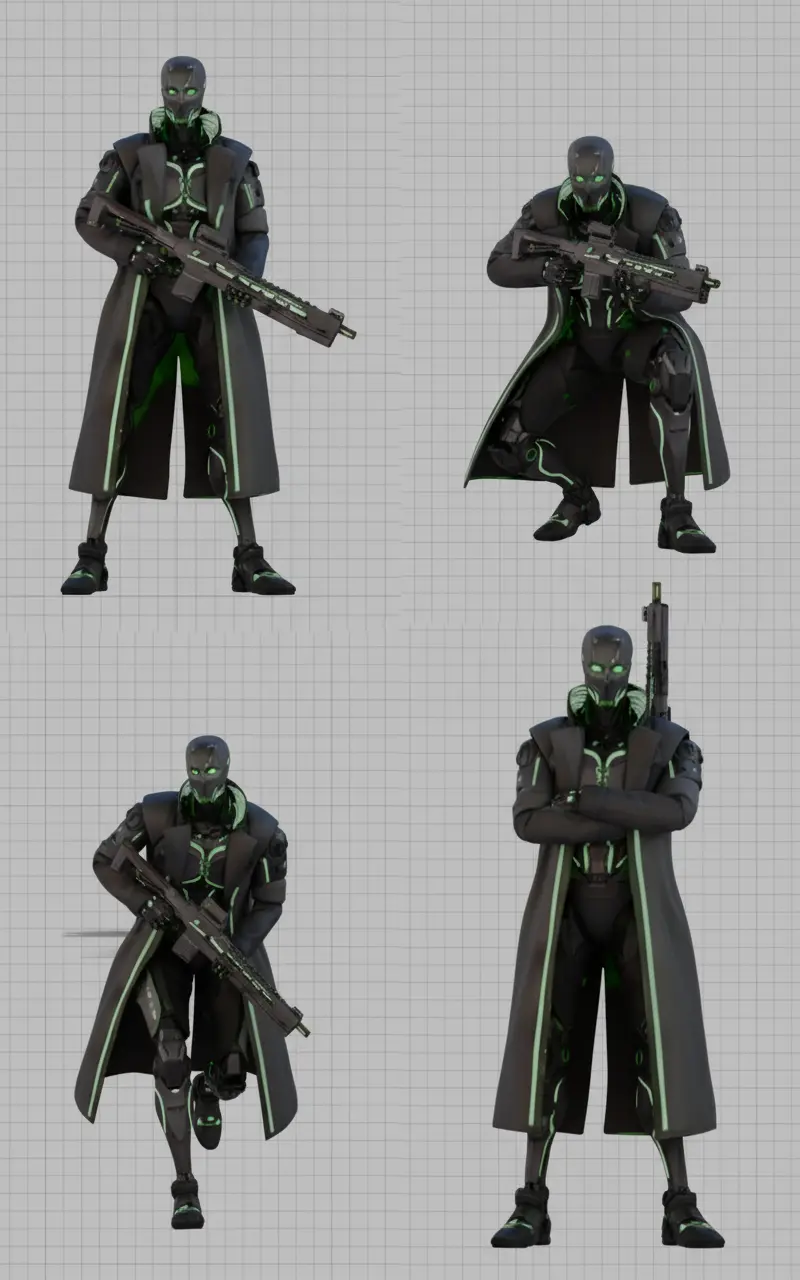
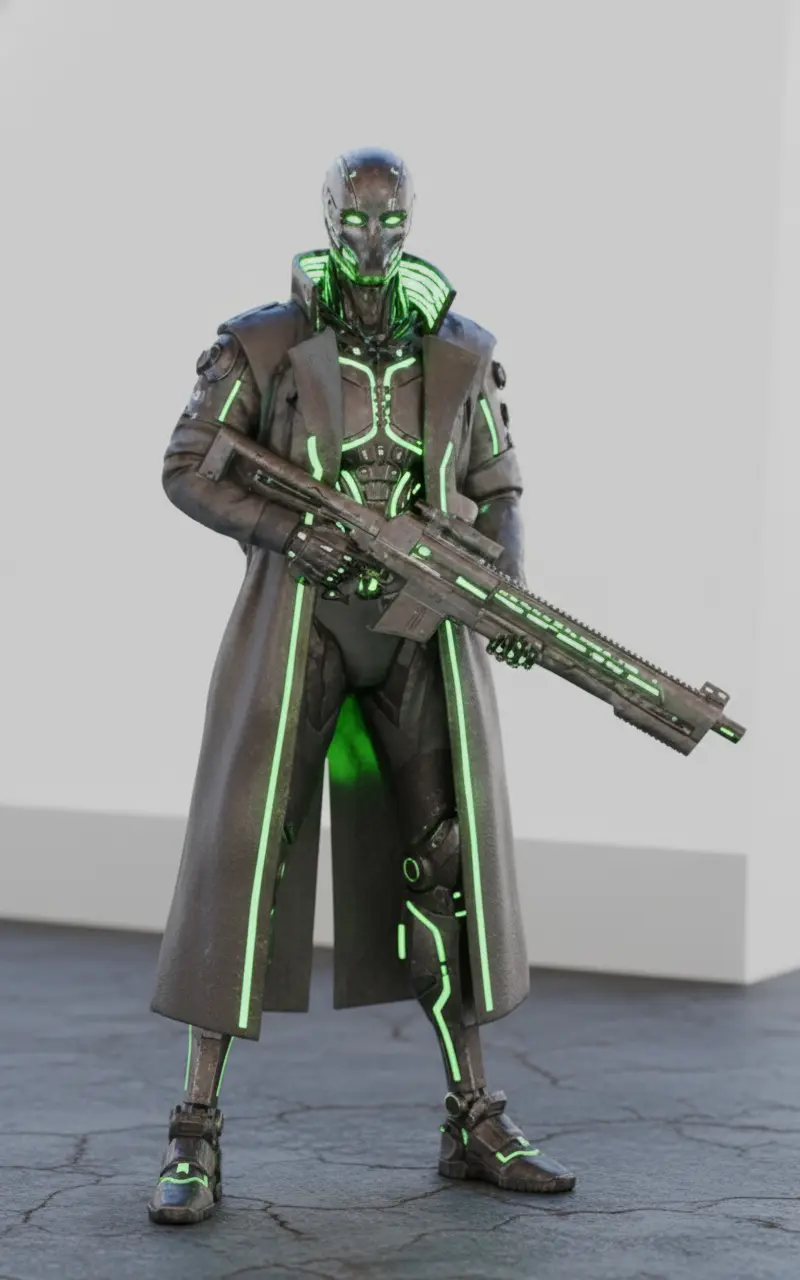
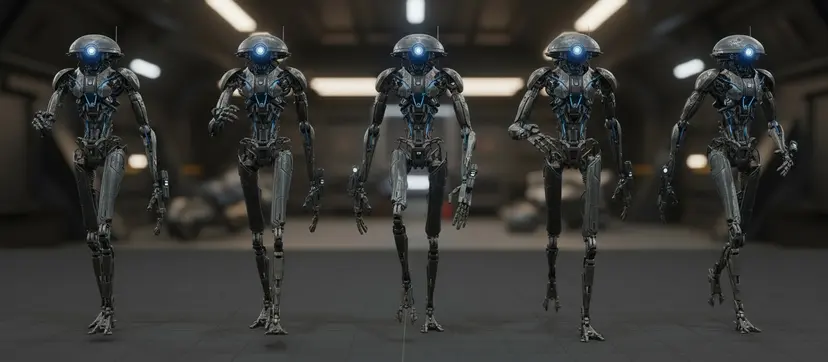
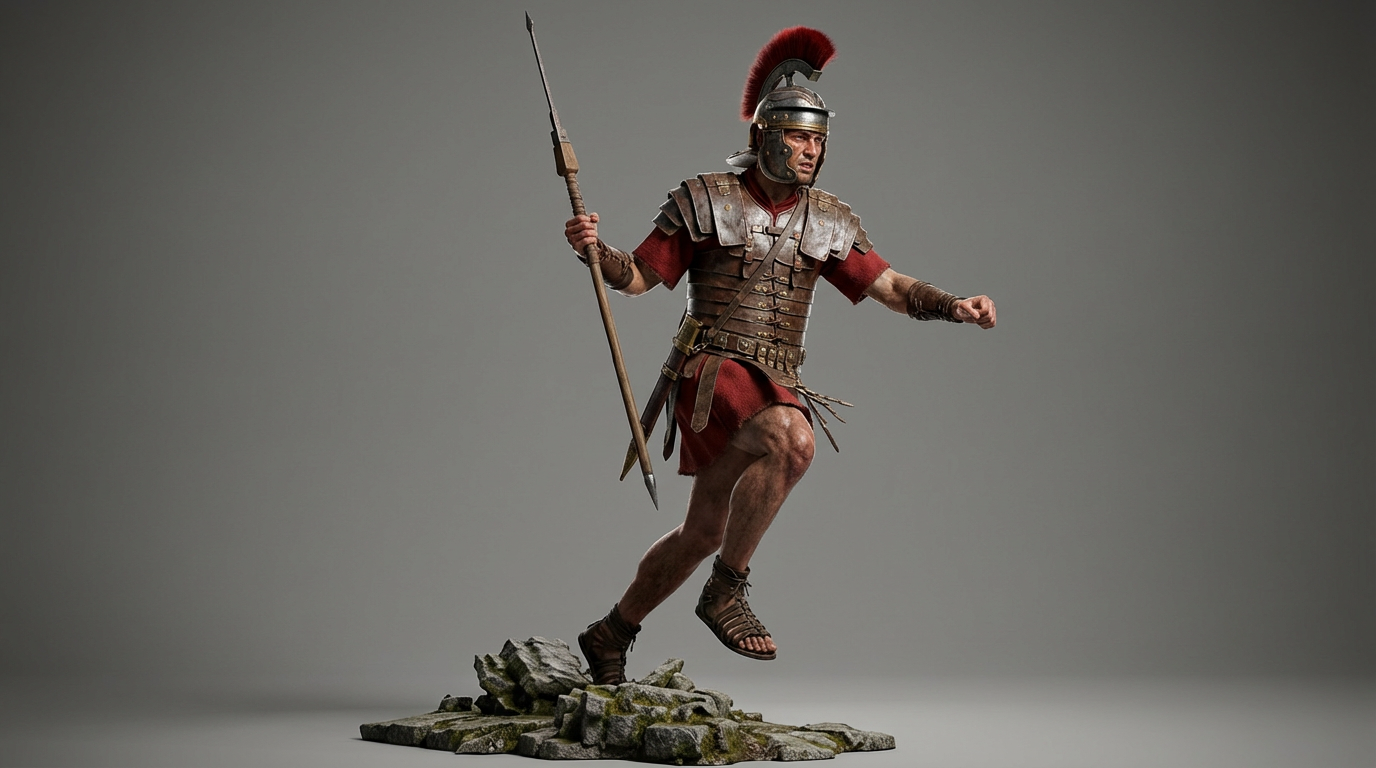
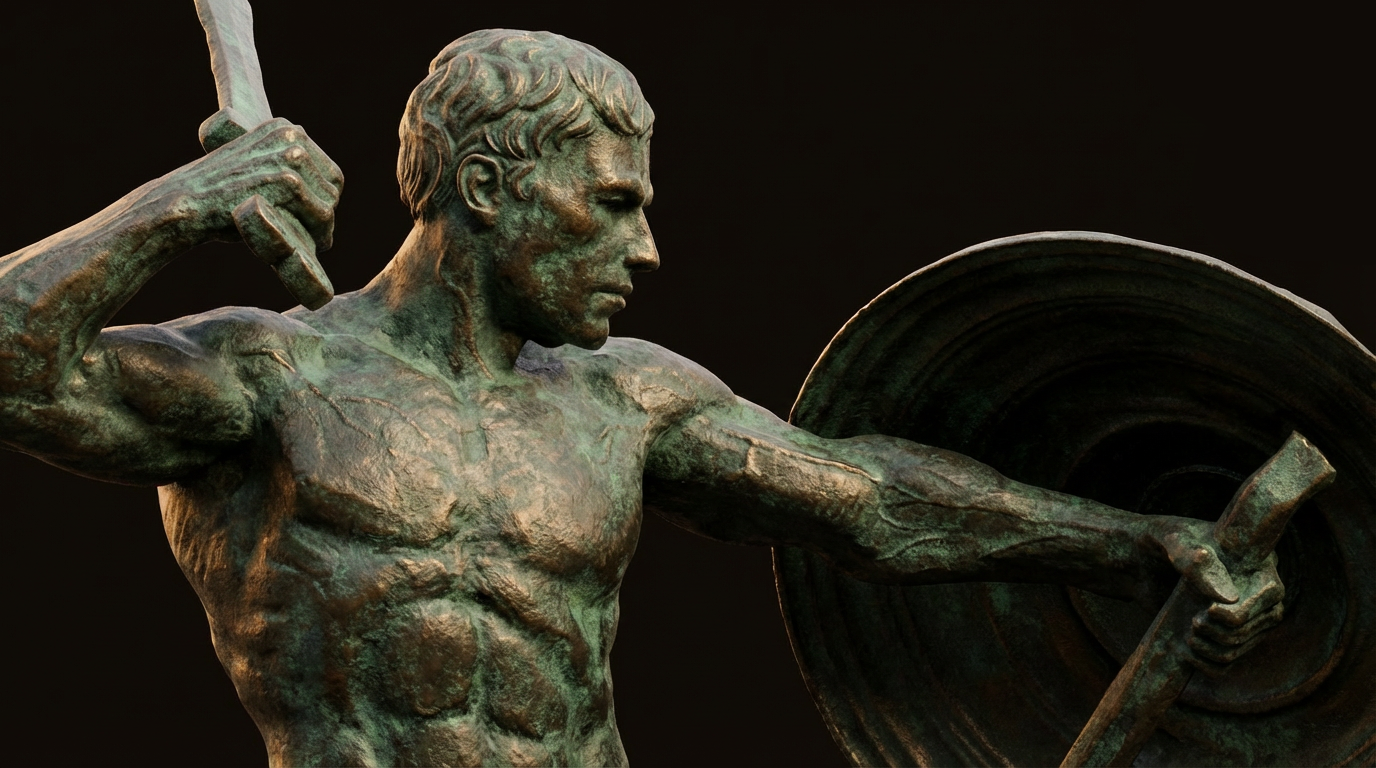
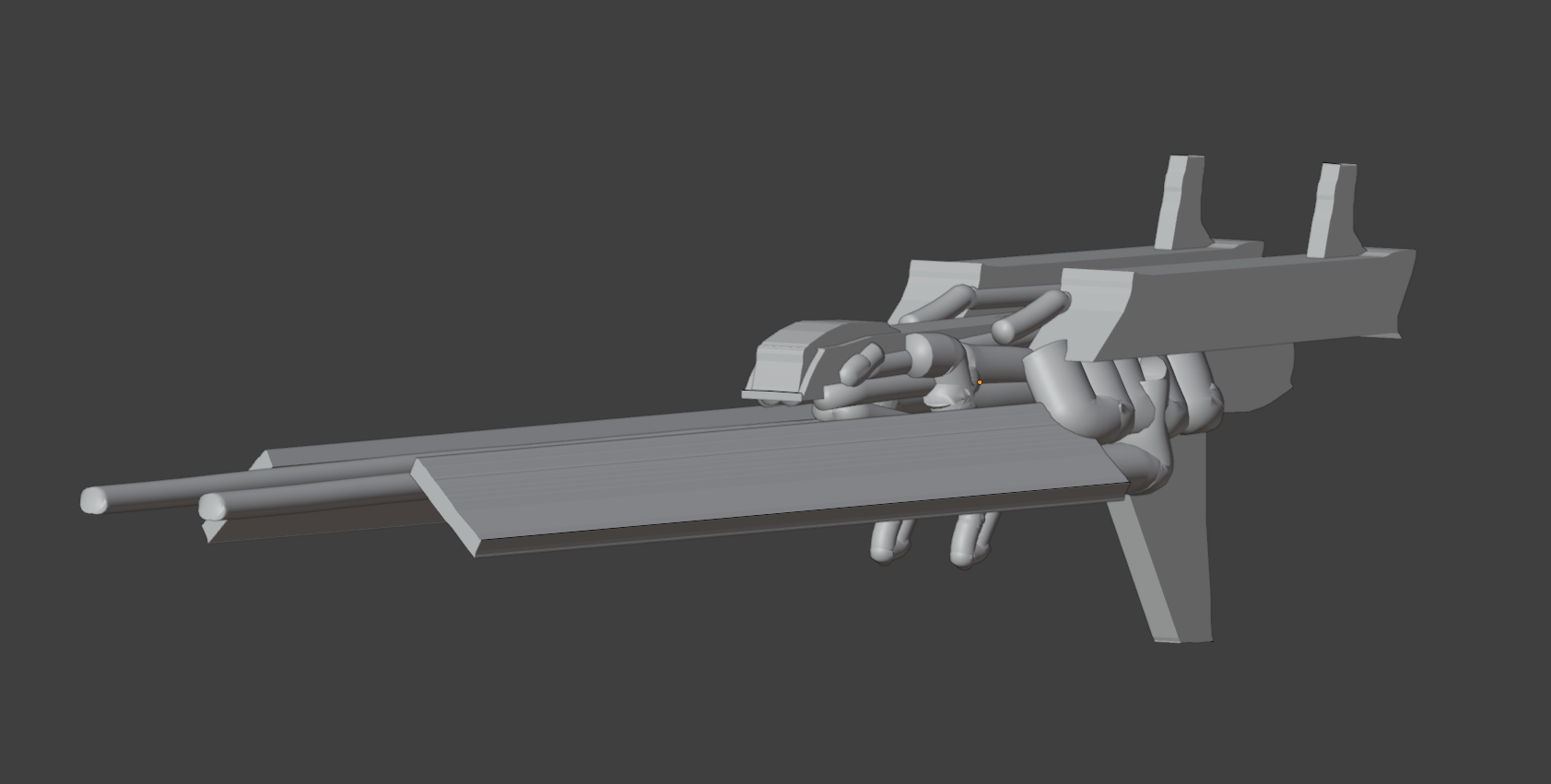
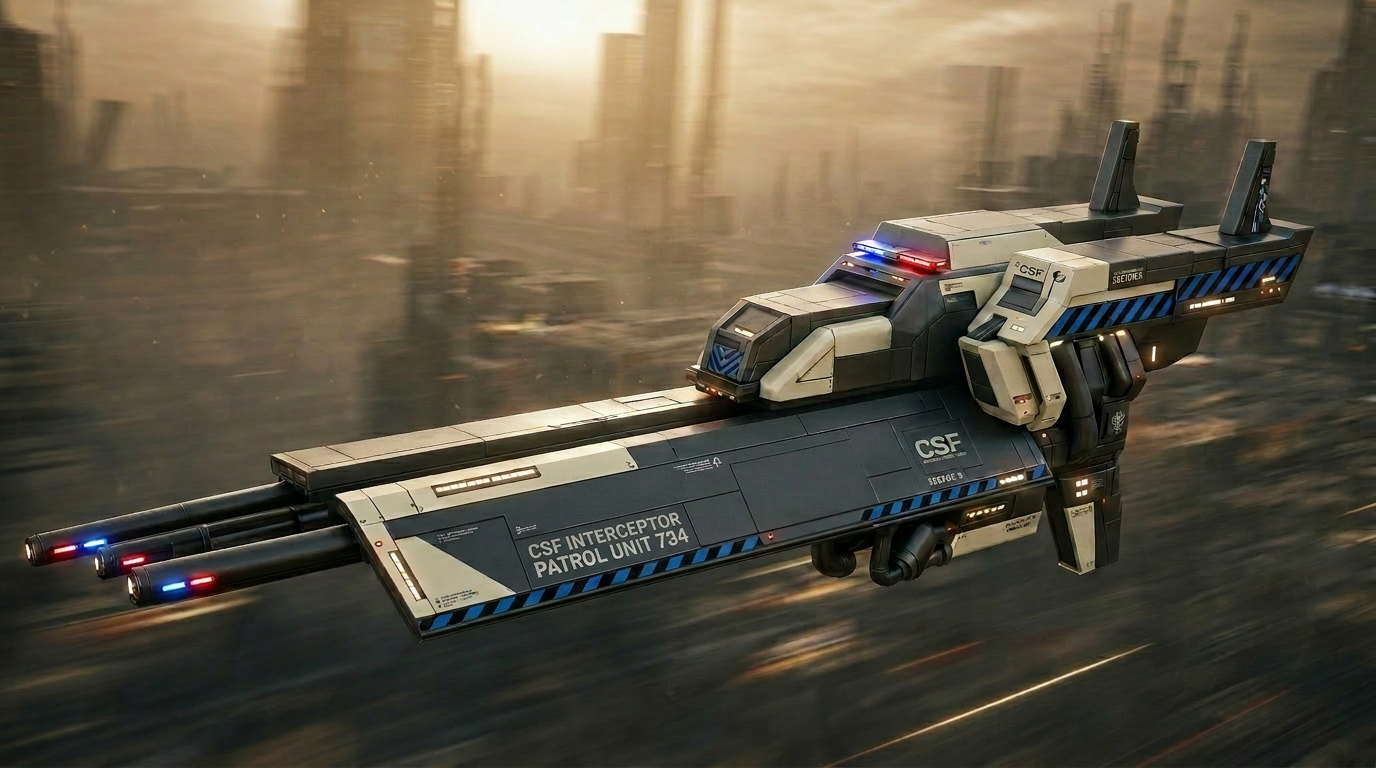
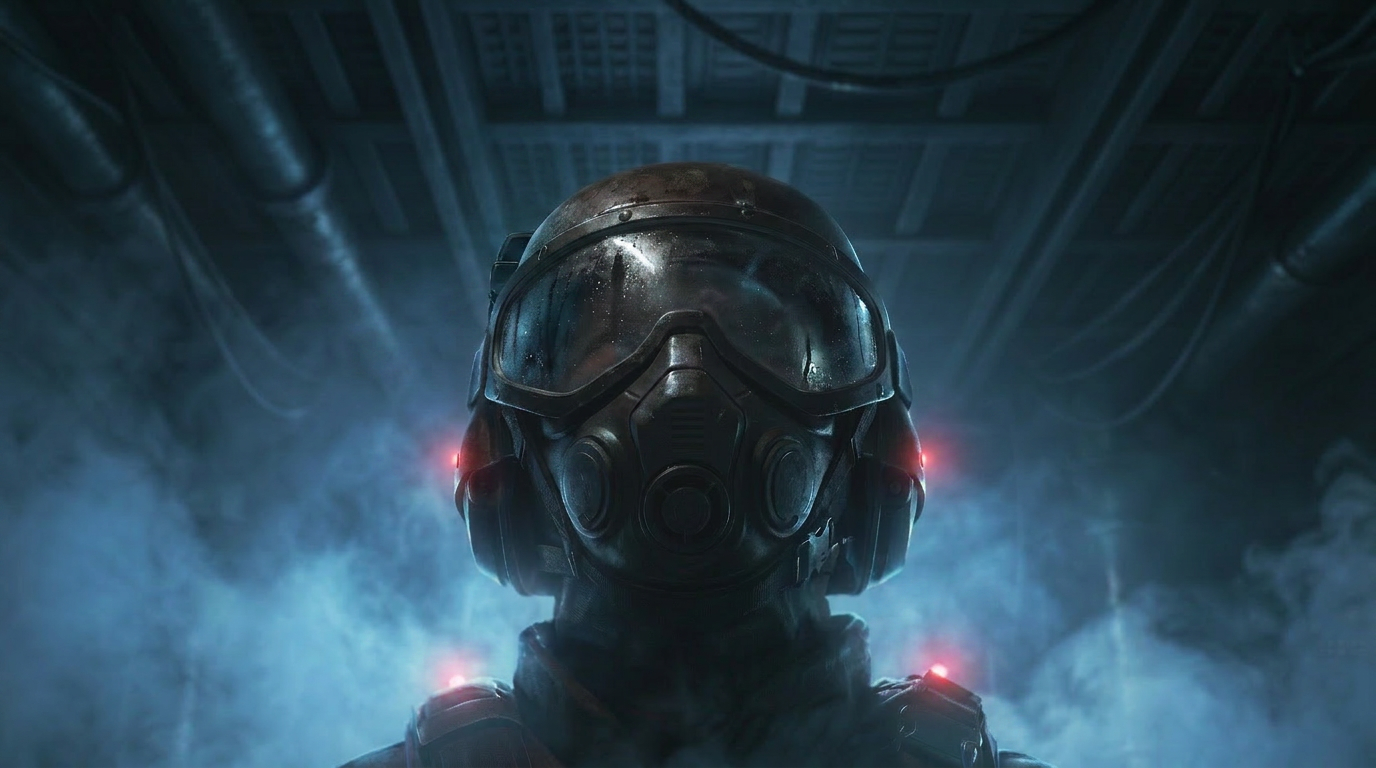
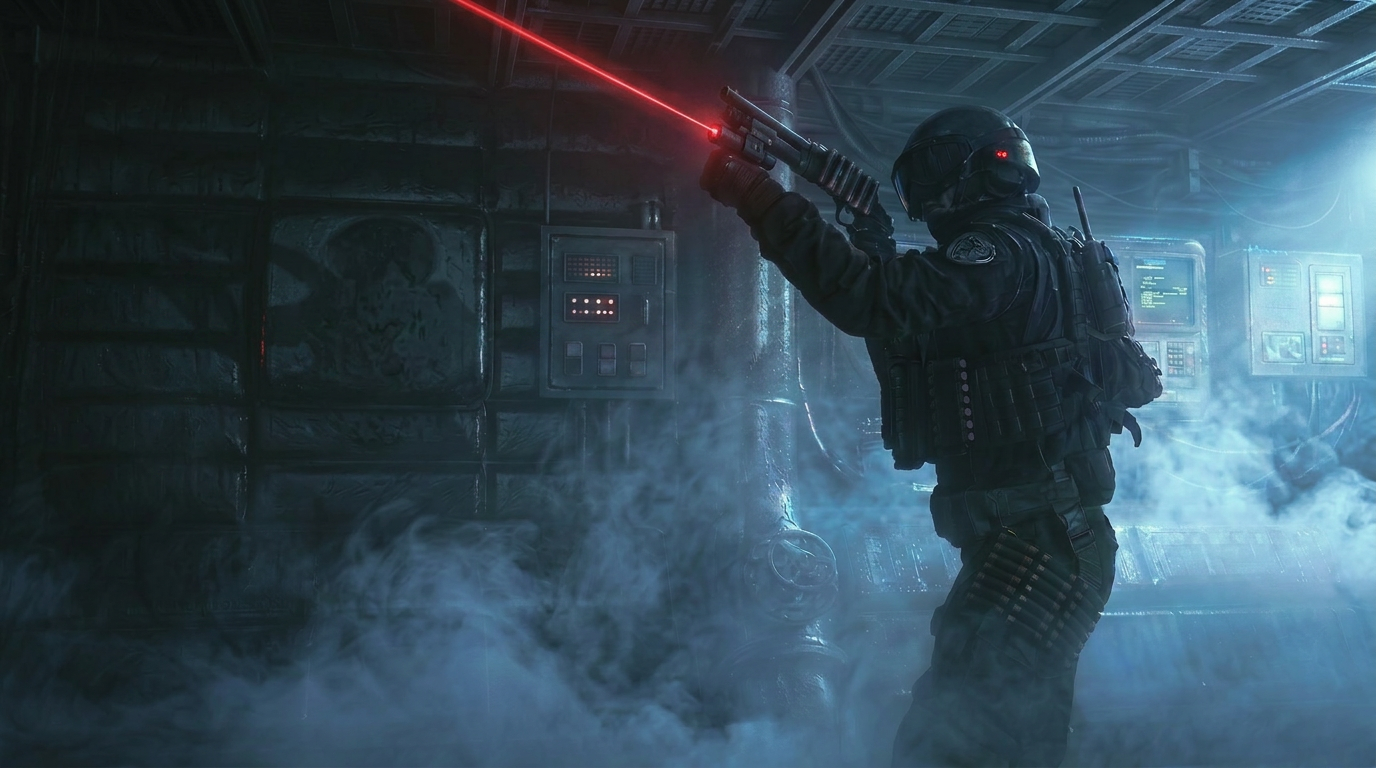
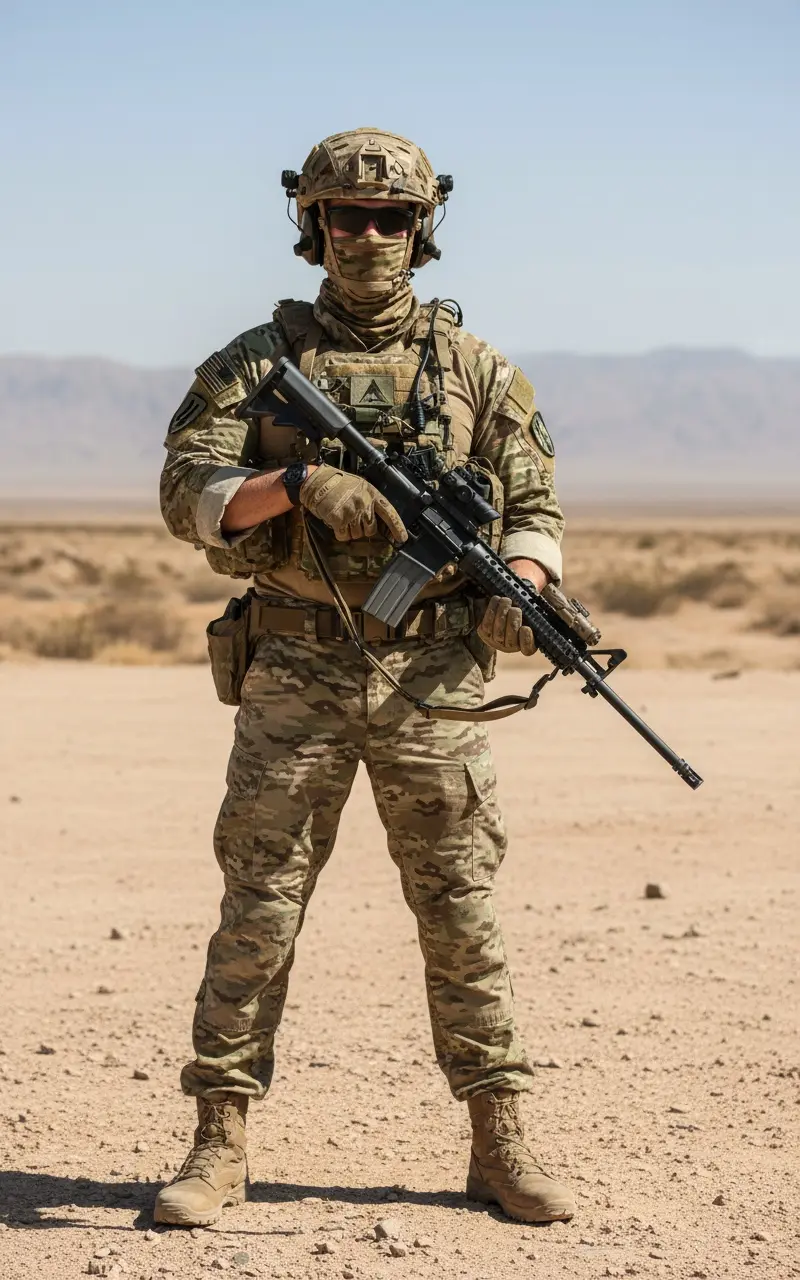
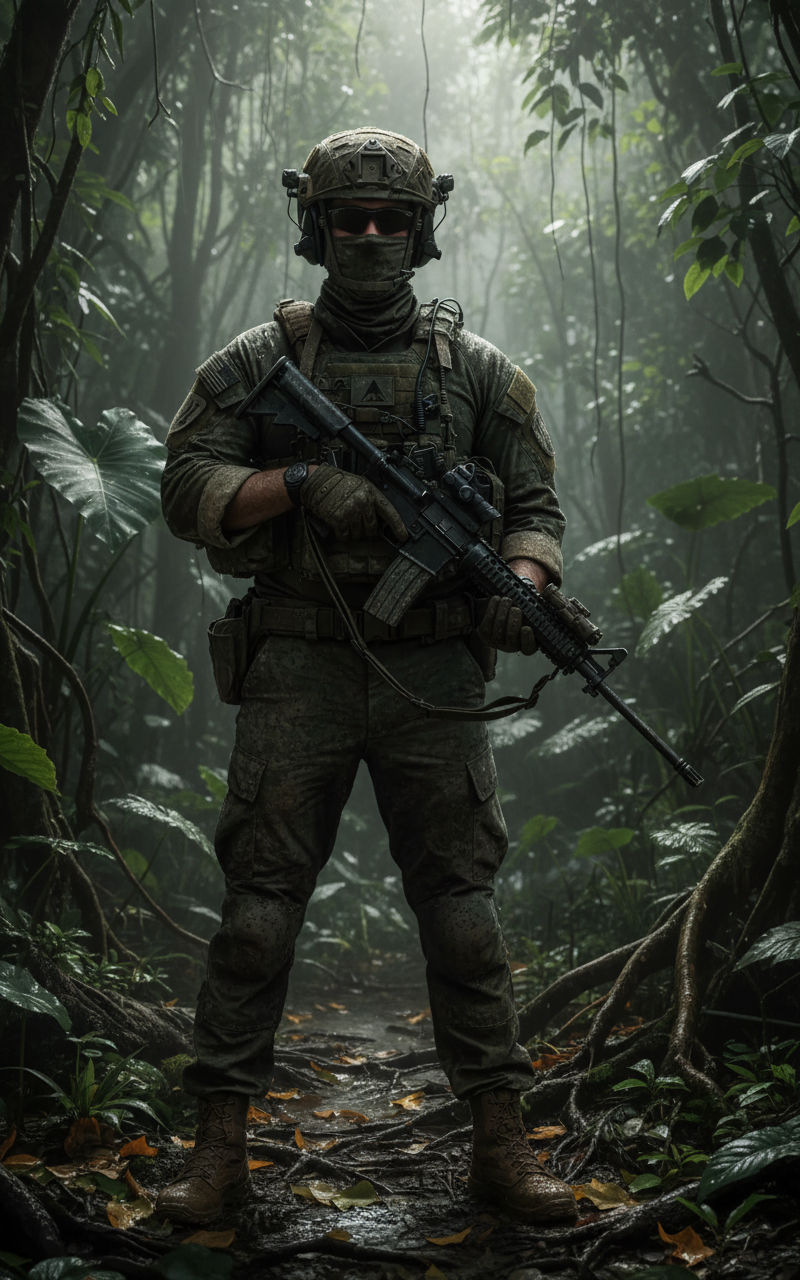
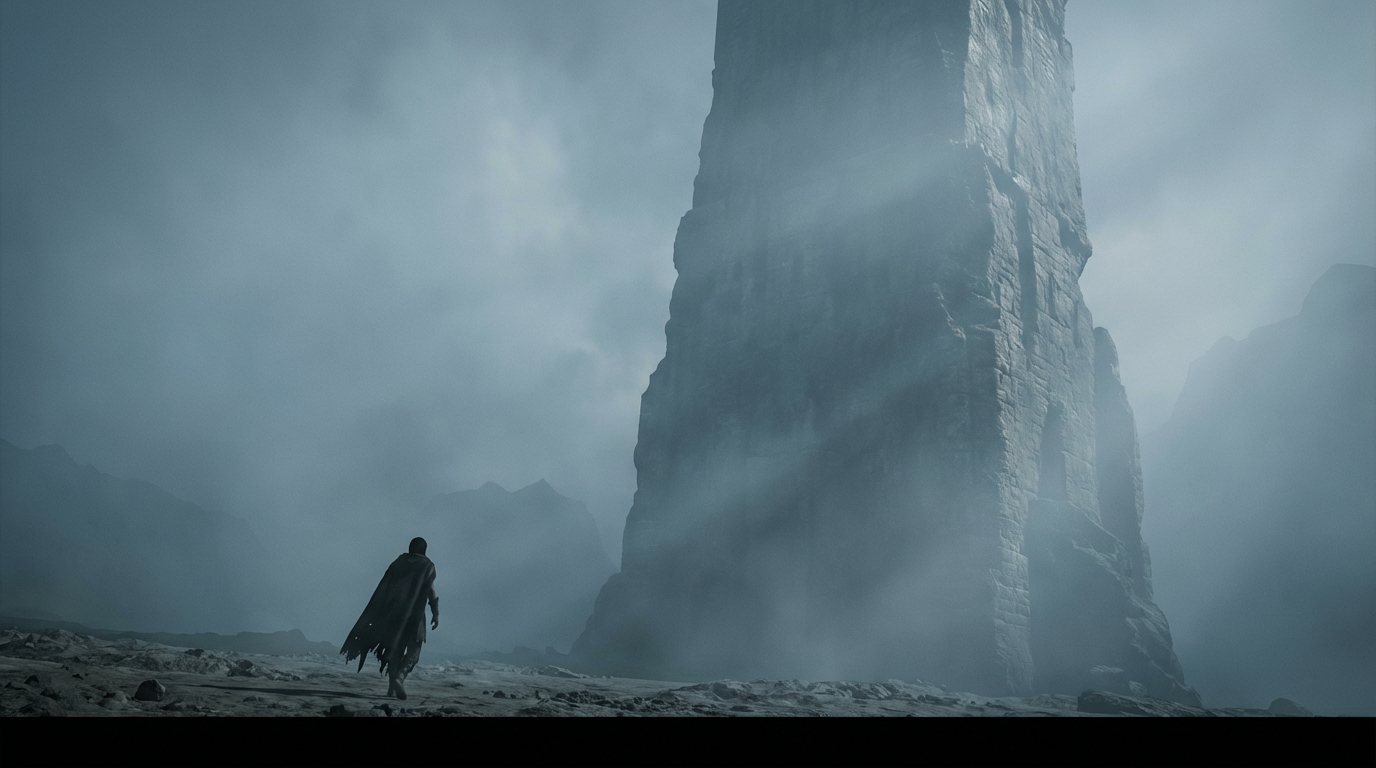
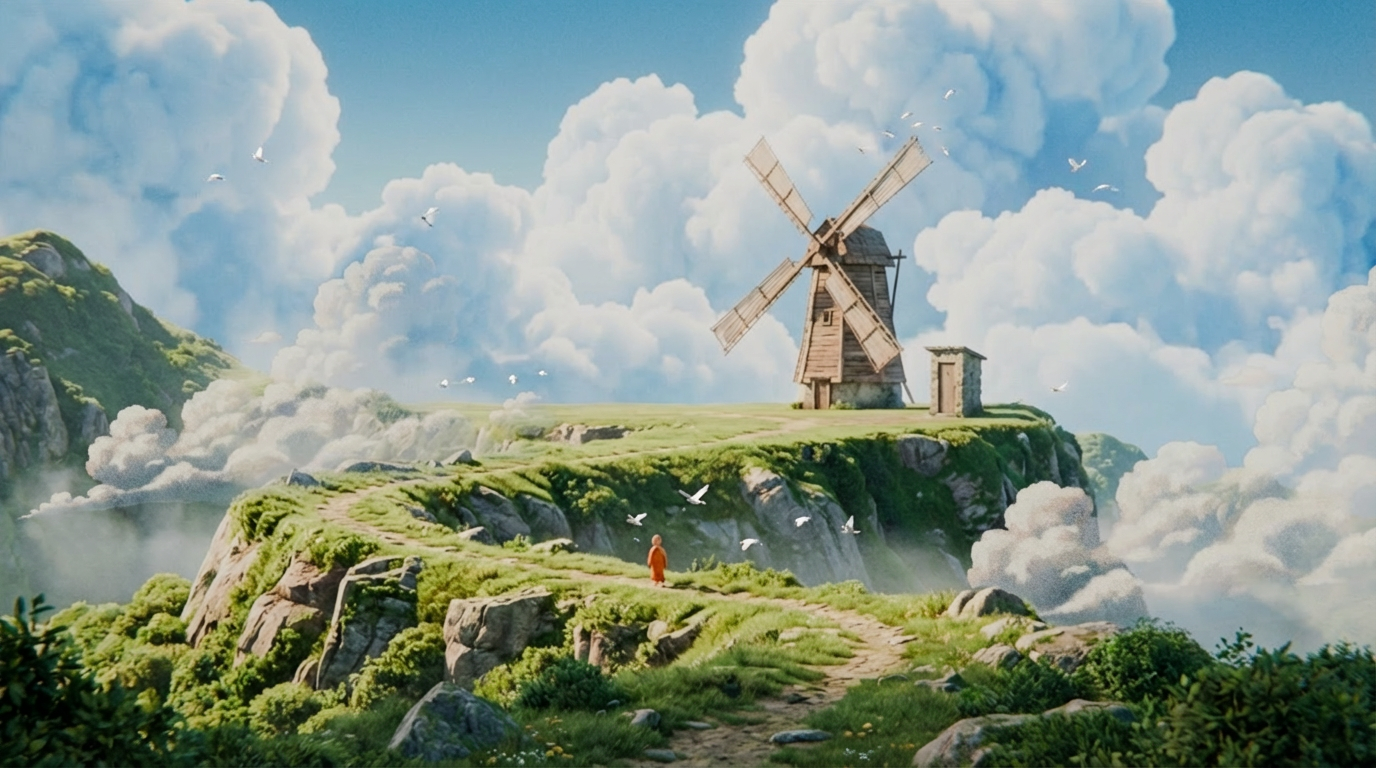
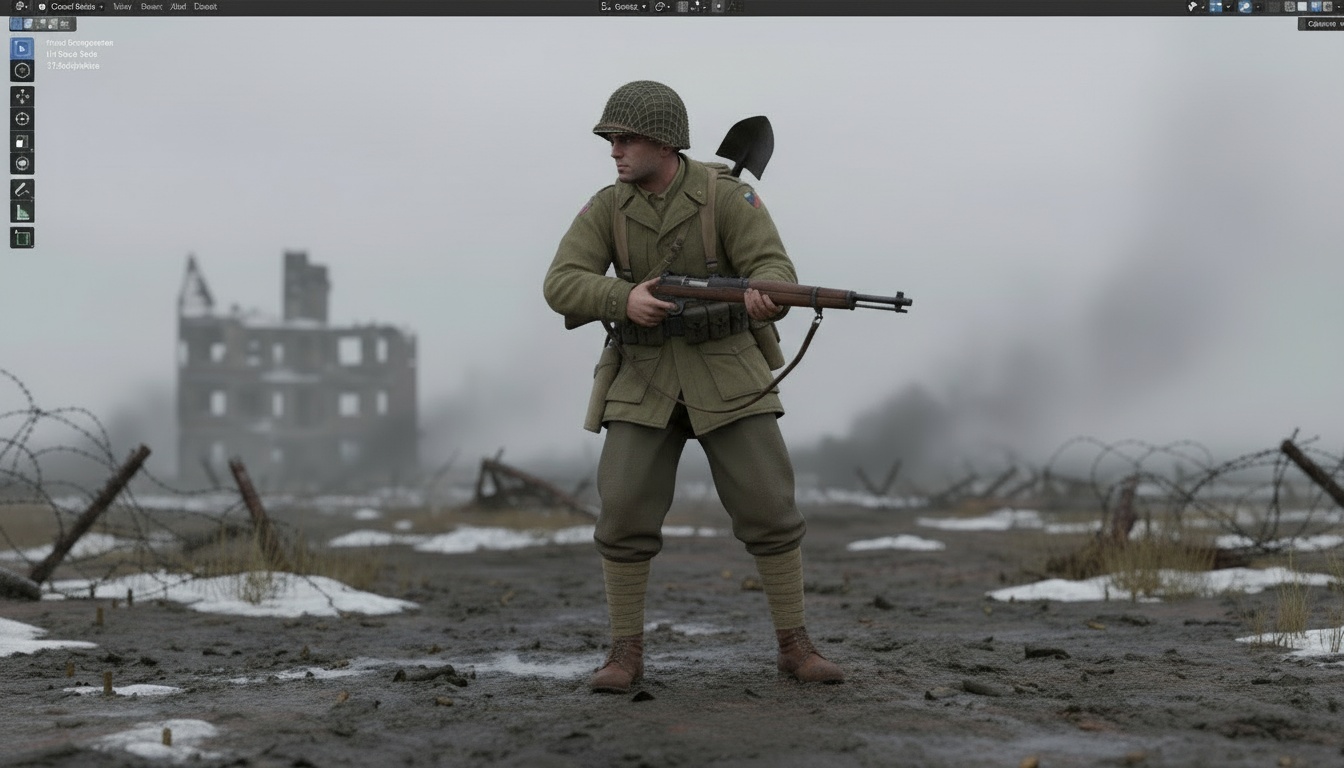
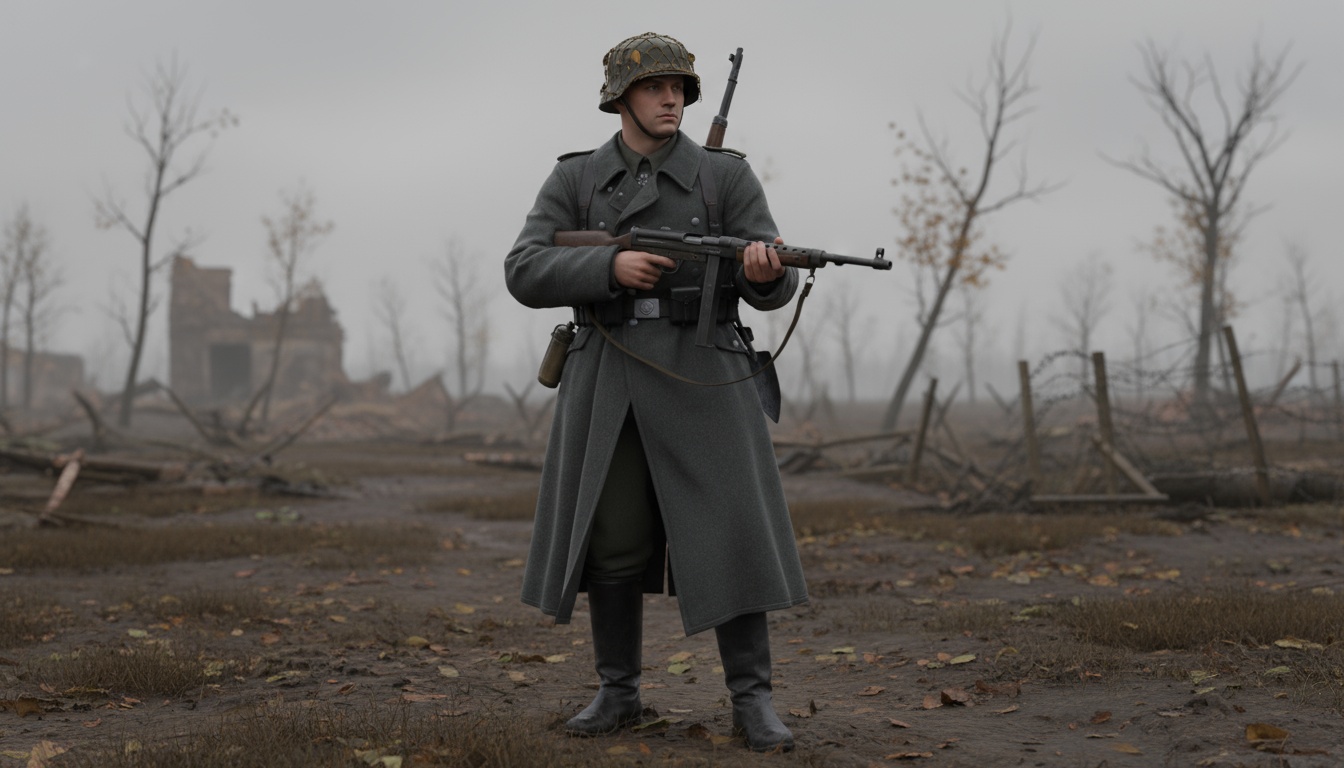
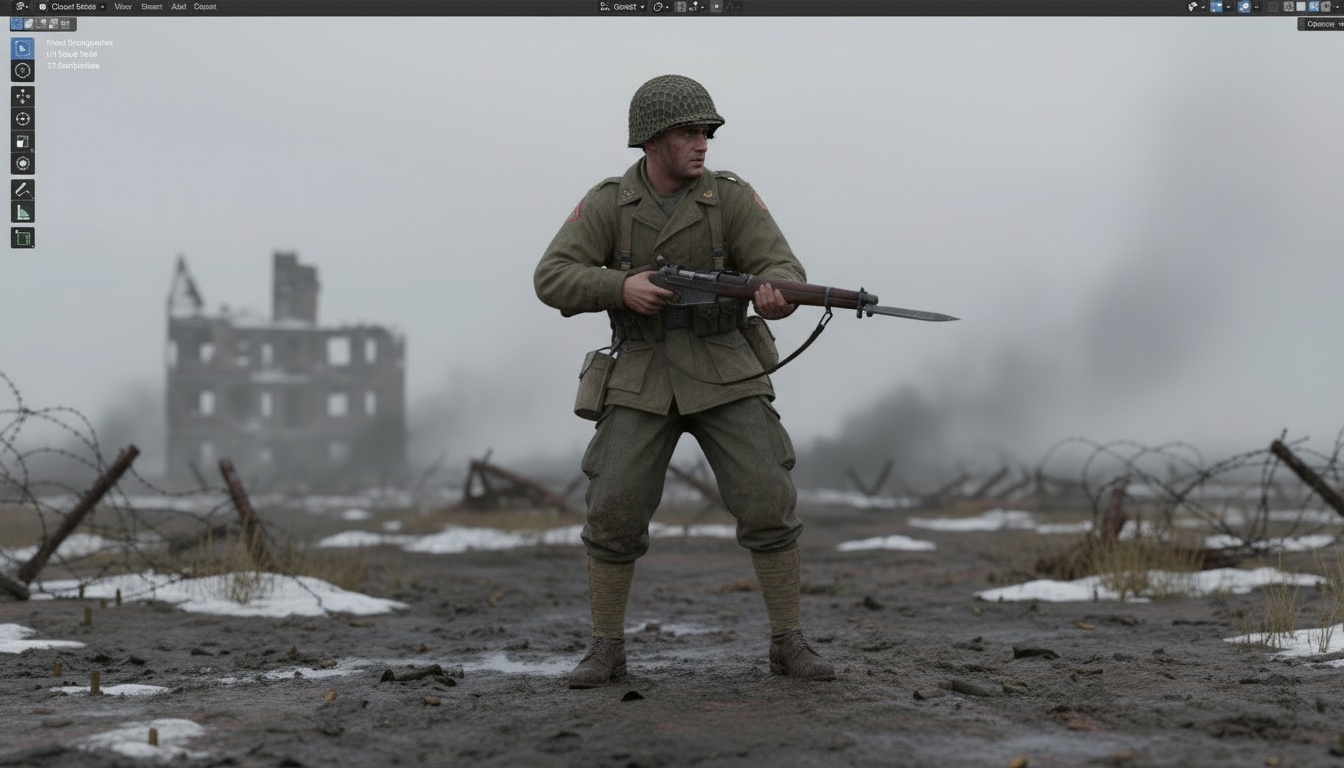
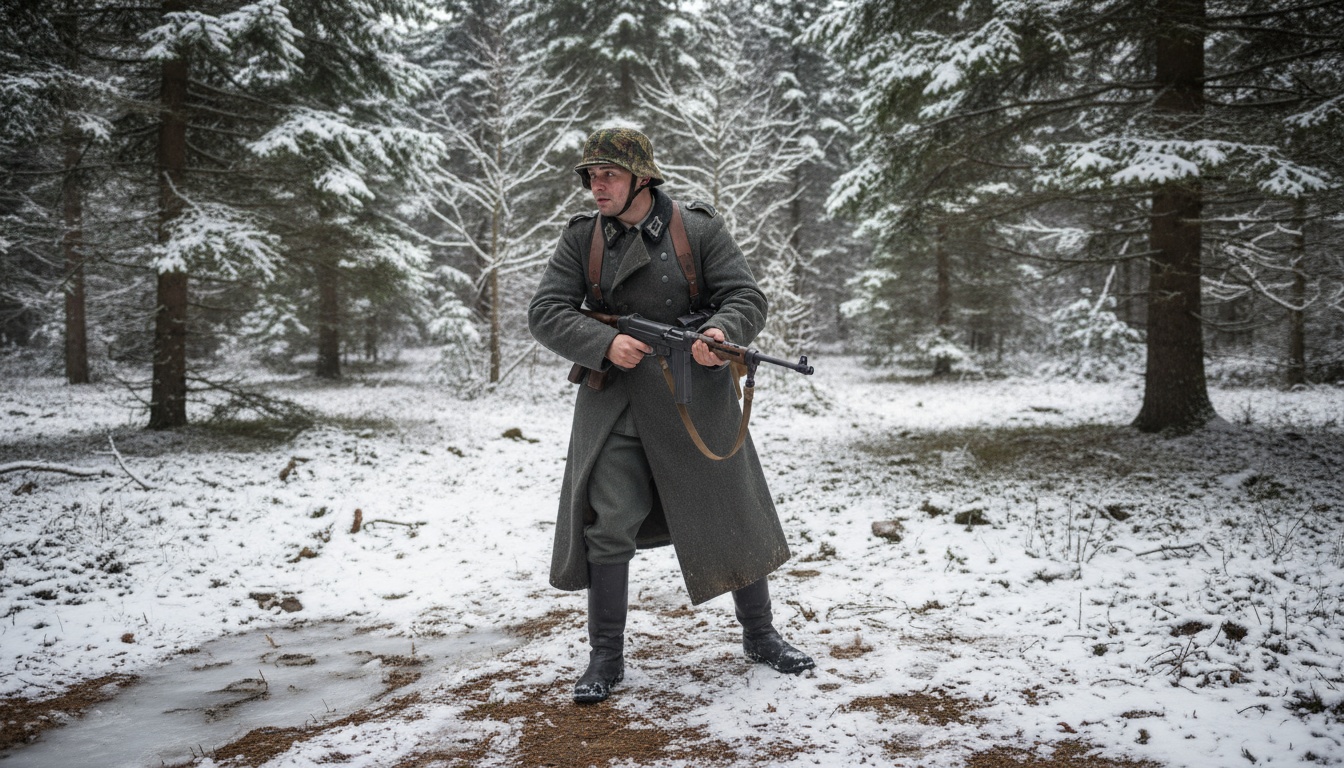
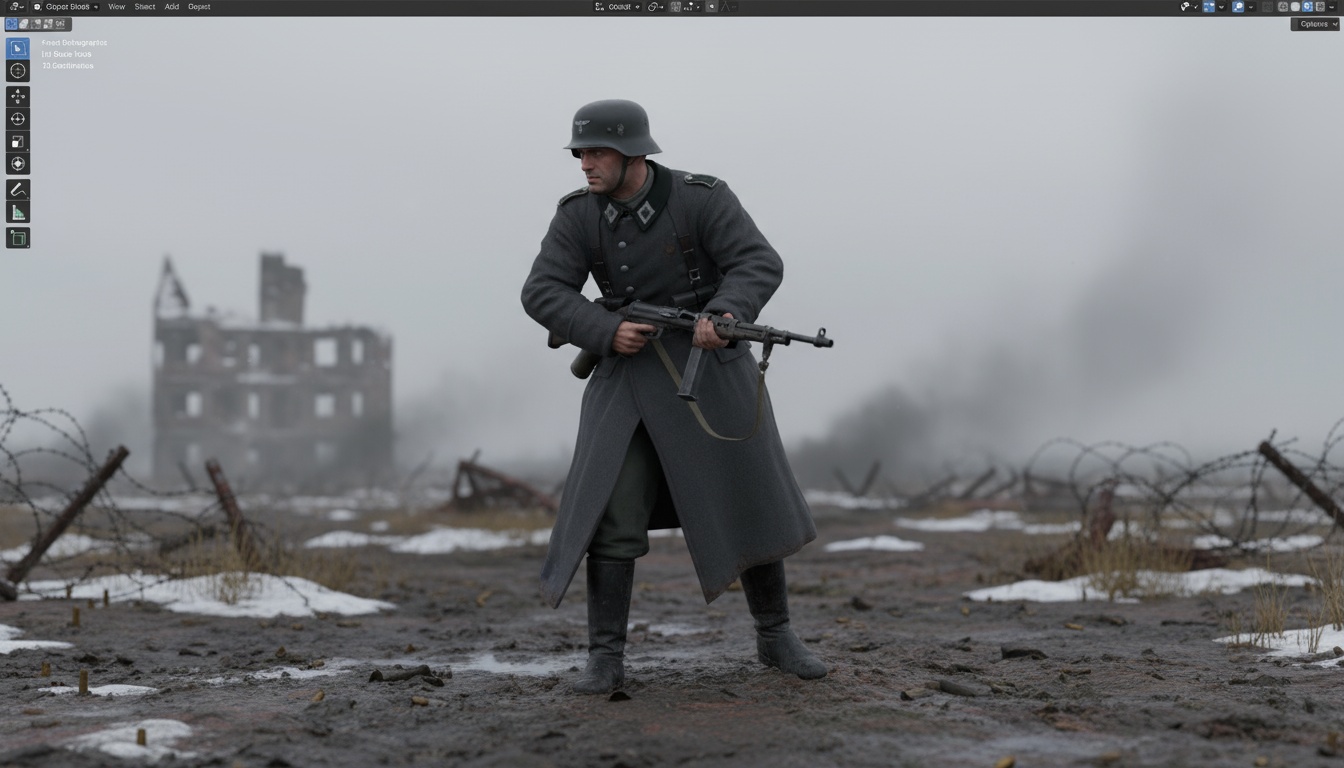
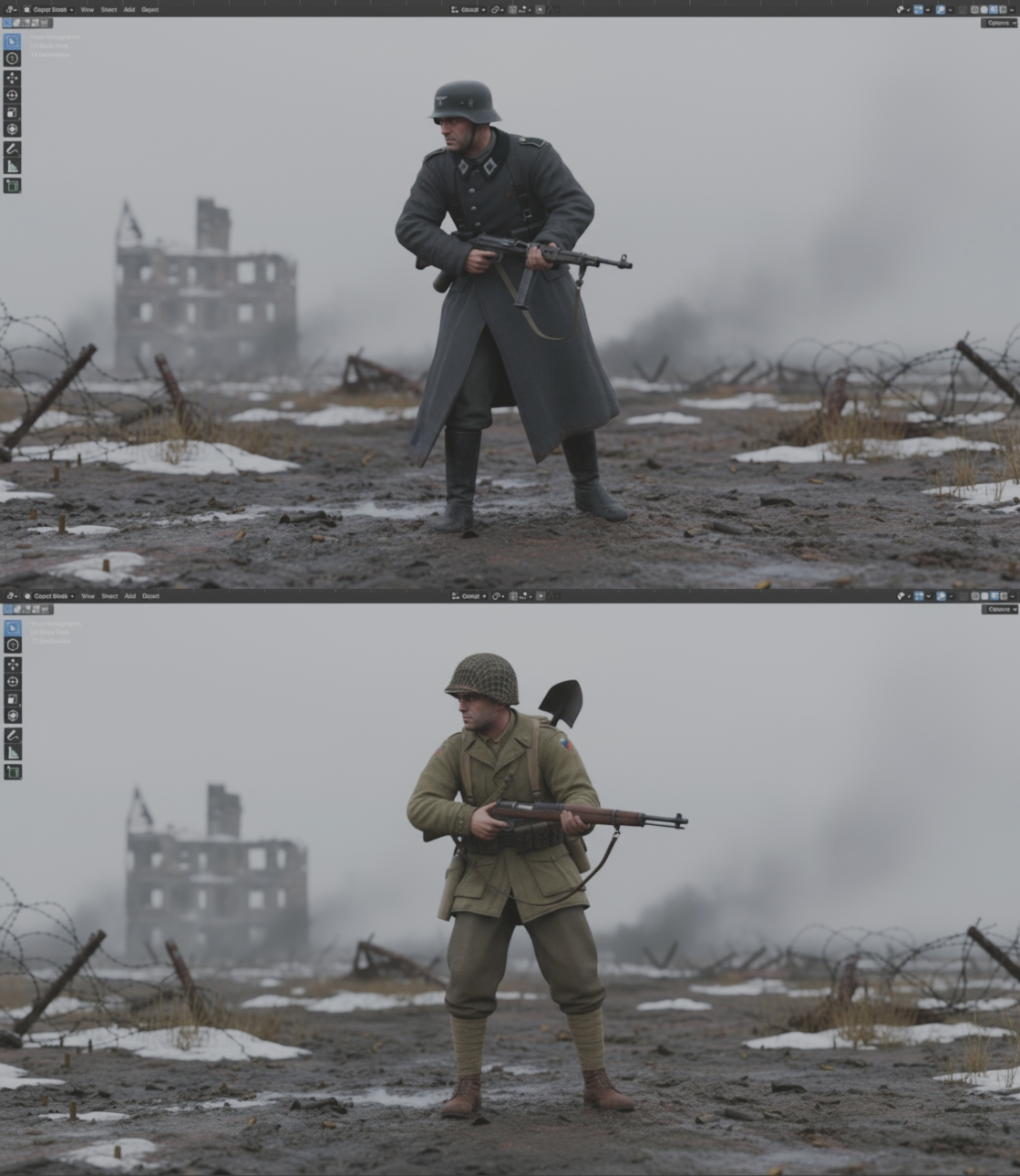
Sign Up Now
Join thousands of artists using QuickMaker to supercharge their Blender workflow with AI.